01 / Mission brief
About Tanks 2D: Tank Wars
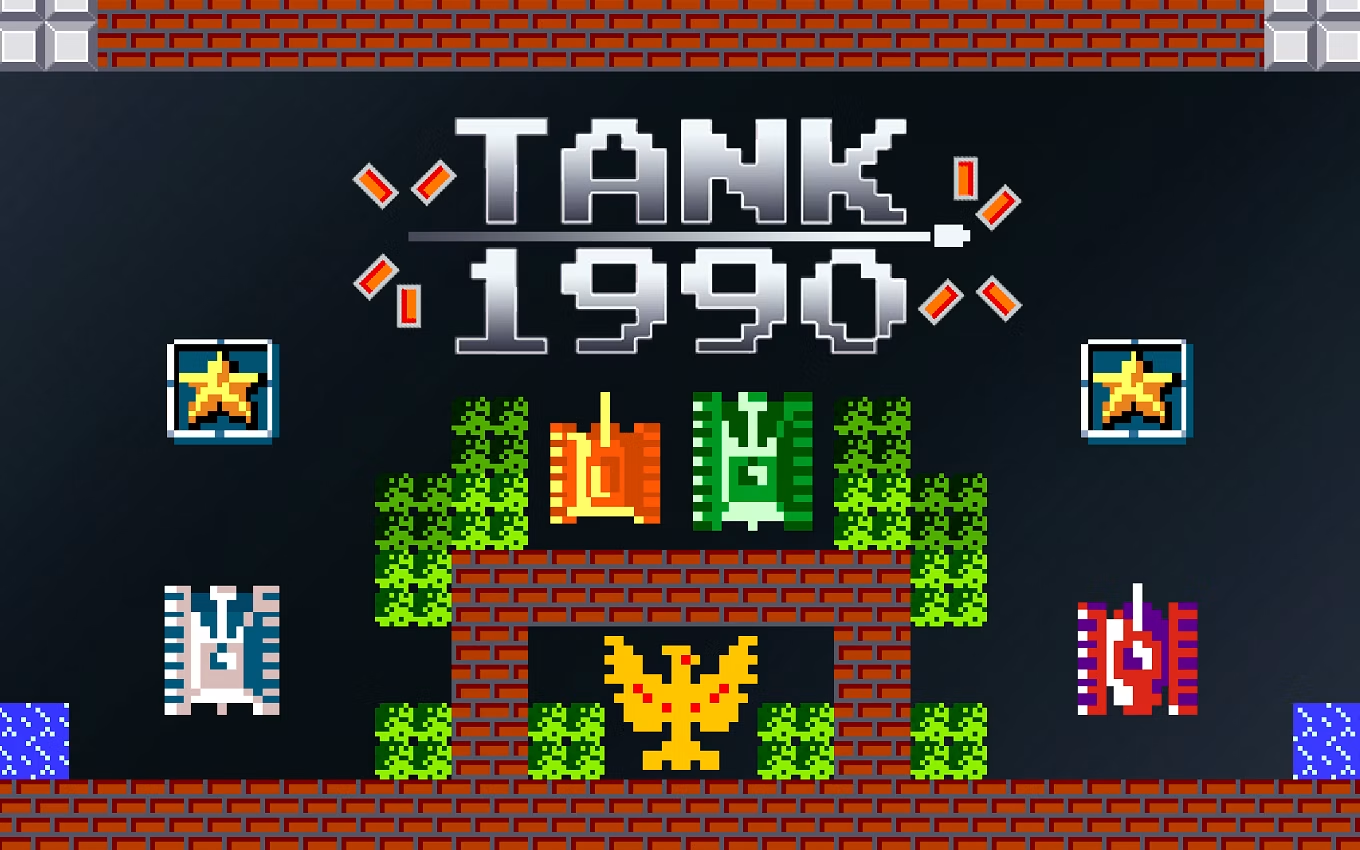
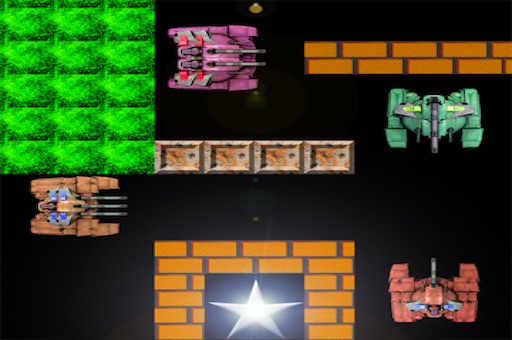
Tanks 2D: Tank Wars is a free online top-down battle game set in maze-like stages. You steer through corridors, track enemy movement, and fire shells that can rebound from solid walls. The objective is to clear the hostile tanks before they destroy yours. Because open squares expose several approach lines at once, safe movement and corner timing are just as important as accurate shooting.
Enemy types create different problems. Slow basic tanks are easier to read, fast tanks close the distance quickly, armored tanks need repeated hits, and accurate long-range enemies punish careless movement. Levels add more units and tighter routes as you progress. Ricochets can reach a target around a corner, but the same shell physics can bring your own shot back into the route you planned to use.
Keyboard is the primary desktop input, with WASD or arrow keys for movement and Space or Enter to fire. The verified browser version also provides mobile access, although precise maze movement is generally easier on a PC or laptop. No installation is required. Its short stages and classic rules make it a simple way to enjoy a quick arcade break.
02 / Field instructions
How to Play Tanks 2D: Tank Wars
- 01
Read the maze
Identify long lanes, safe corners, and open areas before moving toward the first enemy.
- 02
Track enemy behavior
Notice which tanks move quickly, take multiple hits, or fire accurately from a distance.
- 03
Use direct and rebound shots
Fire down a clear lane or angle a shell off a wall when the target is behind cover.
- 04
Clear the stage
Destroy the enemy force while preserving your tank and advance to the next, more complex map.
03 / Controls
Controls
Use the verified inputs below for this browser version.
On supported touchscreens, use the on-screen direction and fire controls. A larger screen can make precise corner movement easier.
04 / Player fit
Who Is Tanks 2D: Tank Wars For?
- Players who like Battle City-style top-down maze combat.
- Arcade fans interested in ricochets, enemy patterns, and compact stages.
- Casual players who want clear controls and a short route to the next battle.
A level has a defined end and uncomplicated setup, making the game easy to pick up for a few minutes of classic tank action.
05 / Tactical notes
Tanks 2D: Tank Wars Tips
- 1Move along walls to reduce the number of angles enemies can use.
- 2Pause at a corner and observe a patrol before entering the lane.
- 3Remove accurate or armored enemies before the arena becomes crowded.
- 4Check the rebound path so a clever shot does not return toward your tank.
- 5Use open space only when you already know where the nearby enemies are.
Ready when you are
Play Tanks 2D: Tank Wars Online for Free
Play Tanks 2D: Tank Wars online for free through the browser player with no separate download. Desktop players can use WASD or the arrow keys plus Space or Enter. Supported phones and tablets can use the game's touch interface, though keyboard input offers more precise control in narrow mazes. Press Play to load the external game only when you want to begin.