
01 / Mission brief
About Defender: Tanks Merge
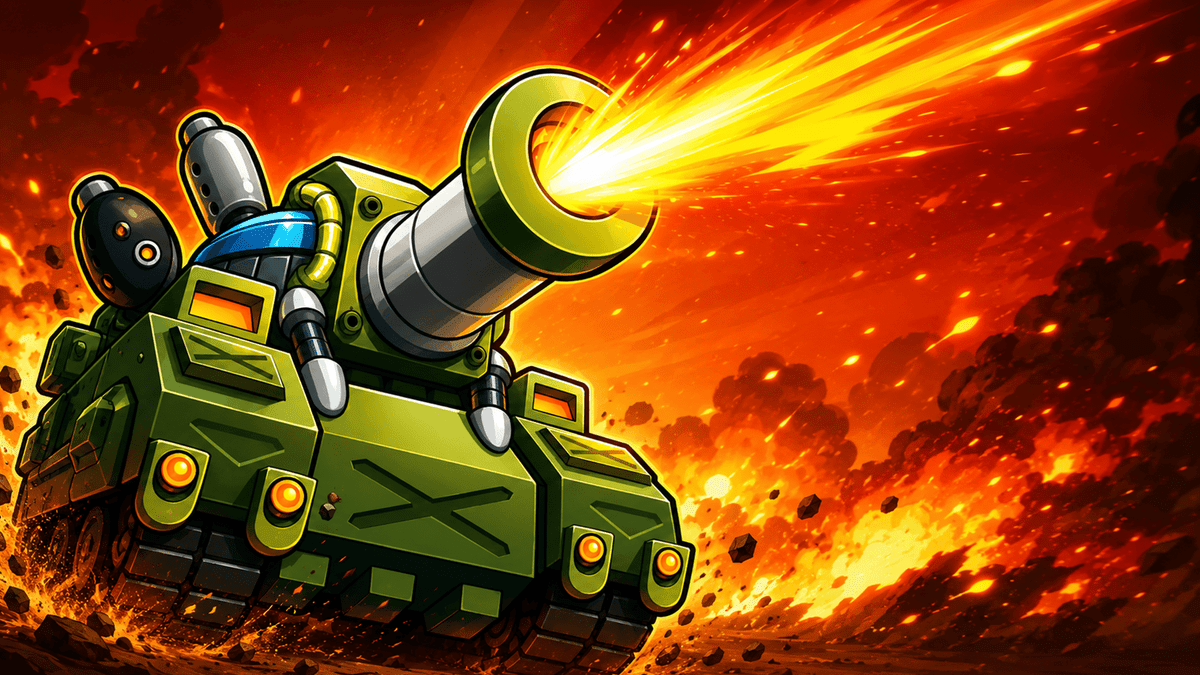
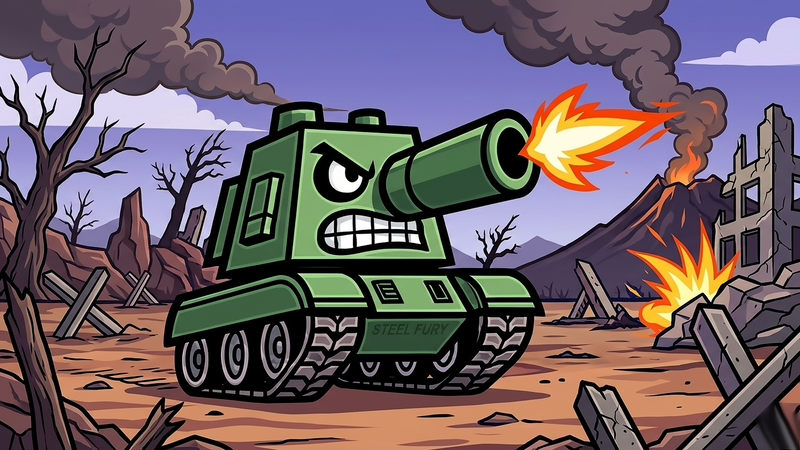
Defender: Tanks Merge is a free online defense strategy game where matching armored units combine into stronger versions. Tanks fire automatically, leaving you to manage the roster, merge pairs, position useful tiers, and decide when an active ability will stop a dangerous wave. The objective is to keep the defensive wall standing as enemies grow stronger and more numerous.
Drag one matching tank onto another to create a higher-tier unit. Unwanted vehicles can be dragged to the trash, while bombs and mines provide targeted help when ordinary fire is not enough. Mines cannot be placed near tanks, so battlefield layout affects where that ability remains available. The game rewards early organization: a crowded field of weak units may look busy but can fall behind a smaller, stronger defense.
The provider confirms PC and Android support, and the drag-and-tap inputs work naturally on a mouse or supported touchscreen. There is no manual aiming and no separate installation in the browser. Watching a careful merge plan turn into a stable defense can be a satisfying way to unwind during either a short check-in or a longer survival attempt.
02 / Field instructions
How to Play Defender: Tanks Merge
- 01
Add and inspect tanks
Use available currency to bring units onto the field and identify matching tiers.
- 02
Merge matching units
Drag one tank onto an identical tank to create a stronger defender.
- 03
Use tactical abilities
Activate a bomb or mine and select a valid target area when an enemy wave breaks through.
- 04
Protect the wall
Keep improving the force so enemy bulldozers, drills, and later waves cannot reduce the wall to zero.
03 / Controls
Controls
Use the verified inputs below for this browser version.
Use the same drag and tap gestures on supported Android phones and tablets to merge, remove, and activate units or abilities.
04 / Player fit
Why You'll Enjoy Defender: Tanks Merge
- Merge-game players who like turning pairs into a visible power increase.
- Defense fans who prefer placement and roster management over manual shooting.
- Casual strategy players looking for mouse or touch controls on desktop and mobile.
The automatic firing lets you focus on one decision at a time, making a few merges and waves a low-friction way to switch off from everyday tasks.
05 / Tactical notes
Defender: Tanks Merge Tips
- 1Merge low tiers before the field becomes too crowded to organize.
- 2Keep mine placement areas clear if you expect a difficult wave.
- 3Use bombs on clustered enemies rather than the first single target that appears.
- 4Remove units that block progress when their tier is no longer useful.
- 5Watch wall health and improve the defense before damage becomes impossible to recover from.
Ready when you are
Play Defender: Tanks Merge Online for Free
Defender: Tanks Merge is free to play online on supported desktop and Android browsers. It loads after you press Play and requires no standalone game client. Use a mouse to drag units on PC or the same touch gestures on a phone or tablet. Because the tanks fire automatically, the interface remains approachable on both device types while the merge and ability choices provide the strategy.