01 / Mission brief
About Tanks: The Big Battle 2
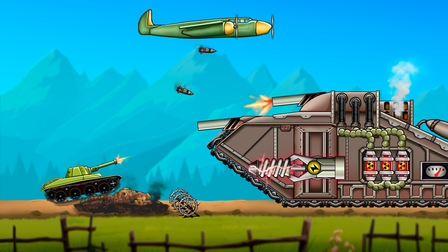
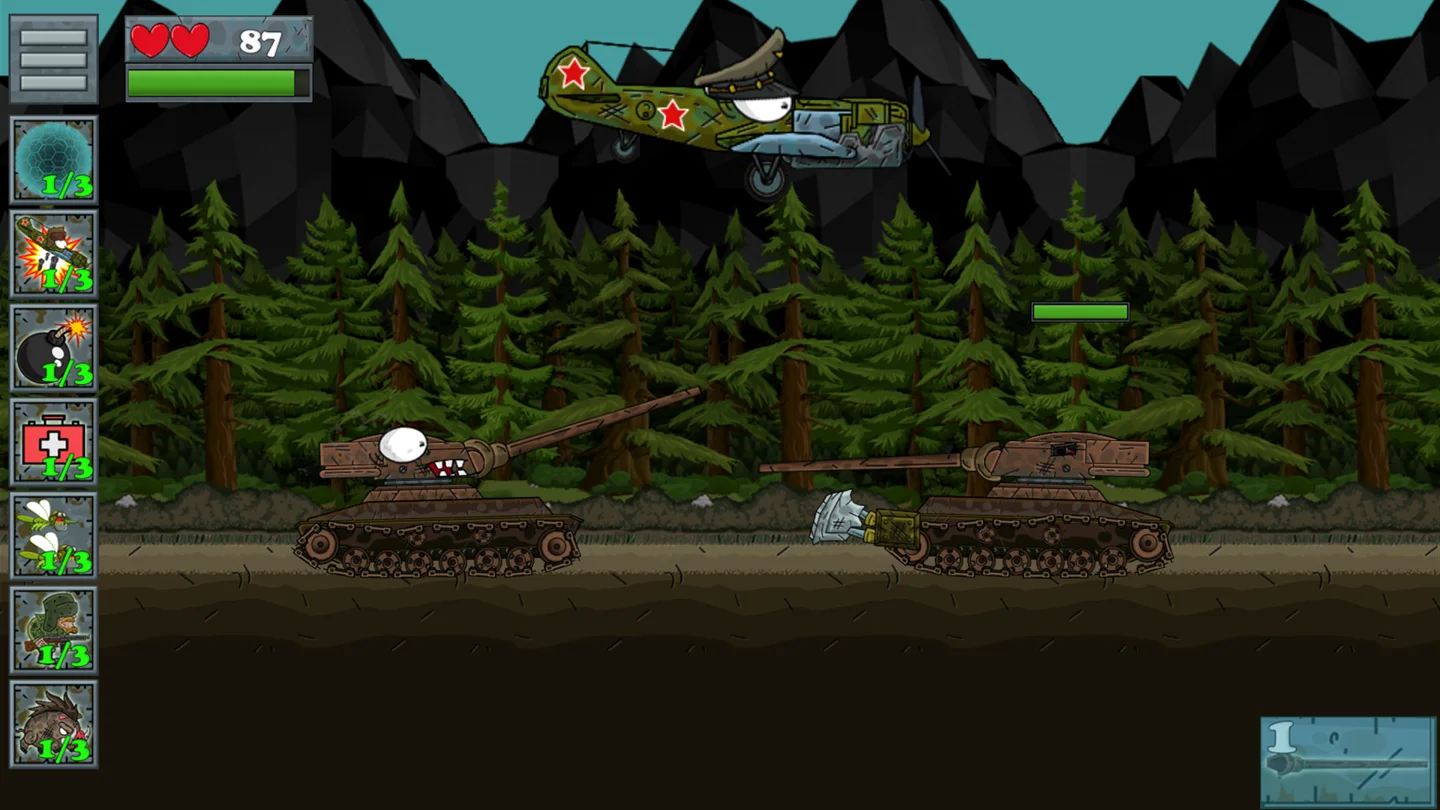
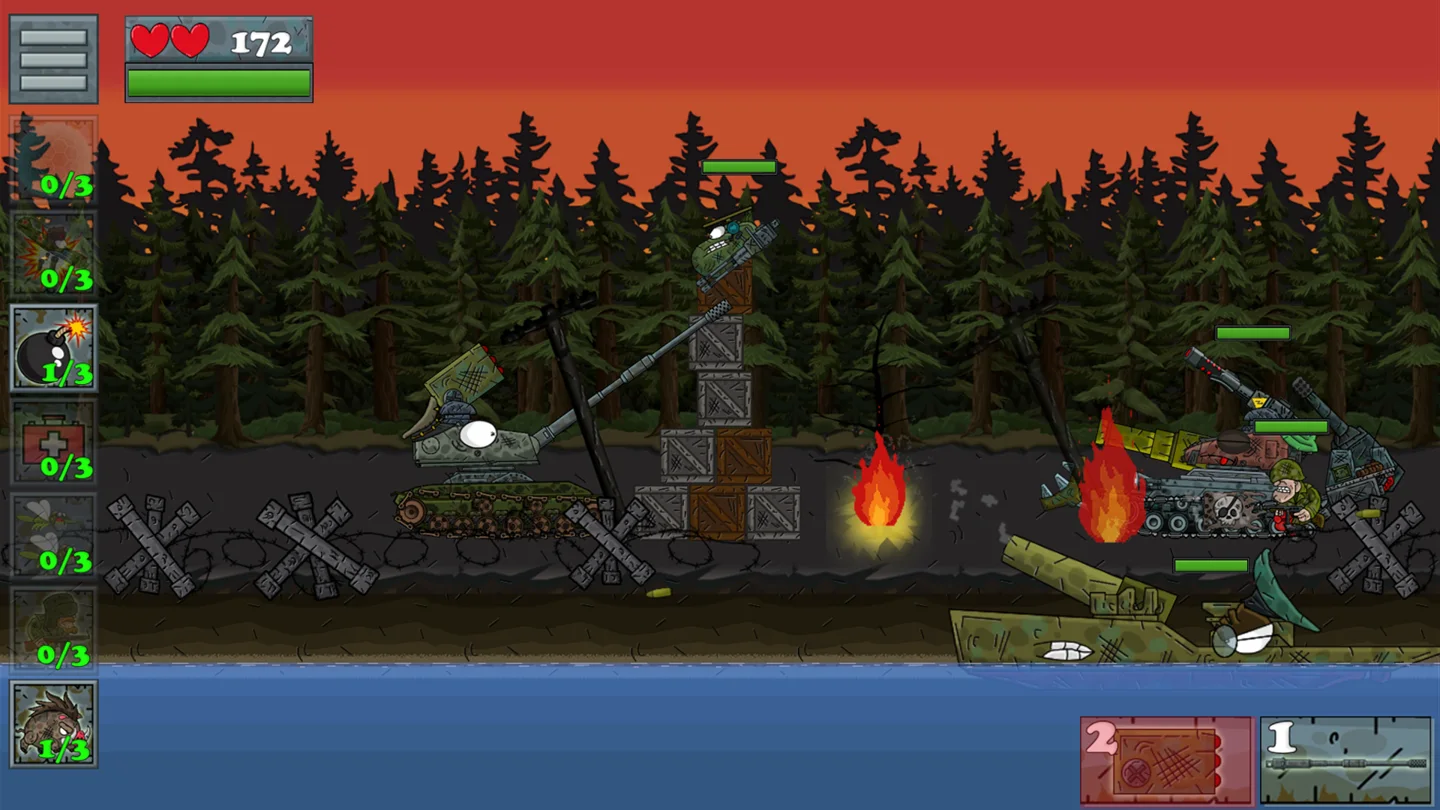
Tanks: The Big Battle 2 starts you with a bare-bones cartoon tank. BroBigGames puts two jobs in your hands: driving along a side-view battlefield and outfitting the vehicle between missions. Movement and gun elevation are separate. You can back away from an approaching enemy while keeping the barrel raised, or stop moving to see where a shot lands before changing the angle.
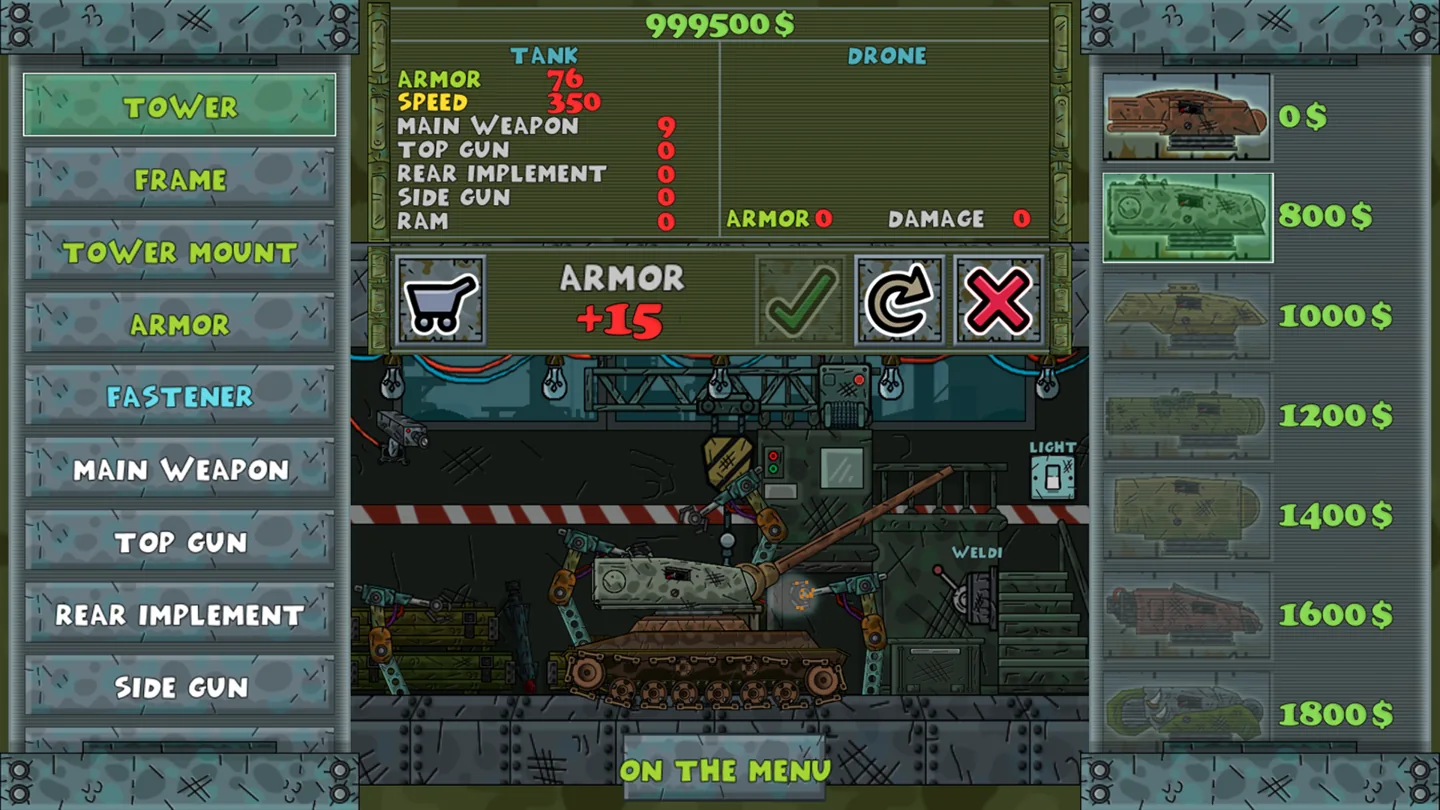
The Garage is where your mission earnings become equipment. Pick a part, inspect what it changes, buy it with in-game money, then use the checkmark to equip it. That last step matters if you return to battle expecting a new gun and the tank still looks exactly as it did before. Weapon selection and firing are separate inputs on a keyboard, so practice both with your new equipment.
Later missions bring tougher opponents. If you want another way to fund a purchase, leave the main missions for a bonus mini-game. The game also offers optional ad bonuses, including temporary armor and air support. Those last for a different purpose than a Garage purchase: choose a bonus for the fight in front of you and equipment for the tank you want to bring to the next one.
02 / Field instructions
How to Play Tanks: The Big Battle 2
- 01
Try the controls in Training
Open Training from the main menu. Move in both directions, raise and lower the barrel, then fire without changing position so you can see what elevation does.
- 02
Complete a mission
Drive through the level and engage the enemies ahead. Use a number key or a weapon icon to select a different equipped weapon as the encounter changes.
- 03
Buy and equip a part
Return to the Garage with your earnings. Select a piece of equipment, review the purchase, and click the checkmark so the tank takes it into the field.
- 04
Try a bonus mini-game
If the part you want costs more than you have, play one of the bonus activities for extra currency before tackling another mission.
03 / Controls
Controls
Use the verified inputs below for this browser version.
Hold your phone or tablet horizontally. Swipe left or right in the lower-left driving area. The upper-right buttons change the main gun's angle, and the lower-right weapon icons fire.
04 / Player fit
Who Will Enjoy Tanks: The Big Battle 2?
- Players who like choosing equipment and immediately seeing how it handles in a mission.
- Fans of side-view tank games who enjoy setting a gun angle independently of driving.
- Players who like switching between a campaign and shorter bonus activities.
A bonus mini-game gives a short session a concrete goal: earn the remaining currency for one Garage purchase, then try the part in your next mission.
05 / Tactical notes
Tanks: The Big Battle 2 Tips
- 1If shots keep landing in the same place, make one elevation adjustment before moving the tank. Moving and aiming at once makes it harder to see which change helped.
- 2Learn where the weapon icons sit before a busy encounter. The same icons help you identify what the number keys select on PC.
- 3Check the Garage checkmark before repeating a mission with new equipment.
- 4On a phone, keep the lower-left corner for movement. Reaching there with your aiming hand can leave the tank stationary.
Ready when you are
Play Tanks: The Big Battle 2 Online for Free
Start Tanks: The Big Battle 2 for free with the Play button. The English browser version supports keyboard play on desktop and touch controls on supported phones and tablets. A mouse wheel is handy for fine elevation changes on PC, but the arrow keys cover the same task on a laptop. You can watch the gameplay preview first to see how the aiming controls and weapon slots fit around the battlefield.