01 / Mission brief
About Tanks Warfare
Tanks Warfare puts arcade tank combat on rolling, side-view landscapes. Your job is to steer into a useful position, line up the cannon, and defeat enemies while avoiding their projectiles. A slope changes the shape of an encounter: moving closer is not always as useful as finding ground where you can aim effectively. This free online browser game combines those immediate driving and shooting decisions with levels, boss encounters, and tank improvements.
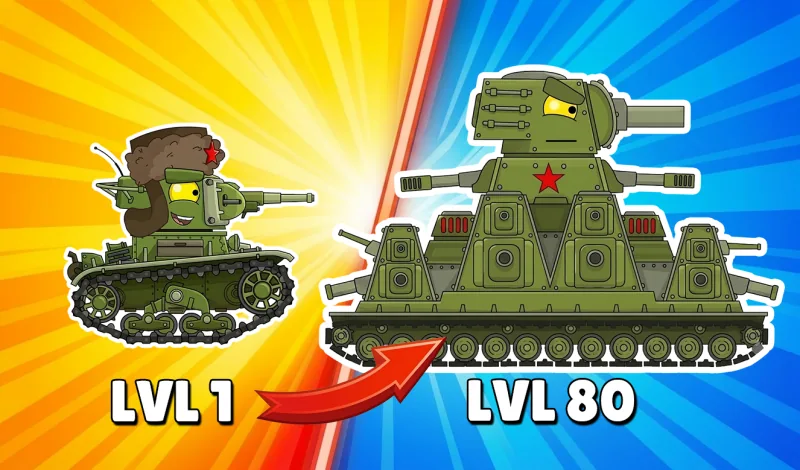
As you advance, victories supply rewards that can be spent on enhancing vehicles and unlocking stronger tanks. The progression gives you something to reconsider after a difficult fight, while tougher enemies ask you to keep improving your battlefield decisions. Upgrades support the action, but the published instructions still emphasize maneuvering, aiming, and choosing the right moment to attack. Simply owning a more powerful vehicle does not remove the need to watch incoming fire.
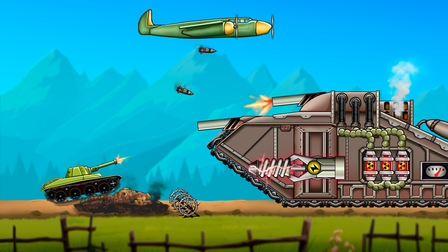
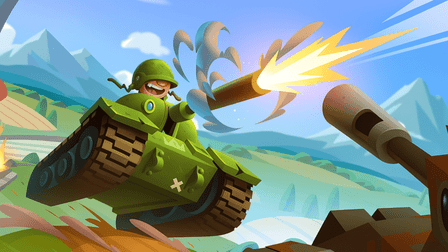
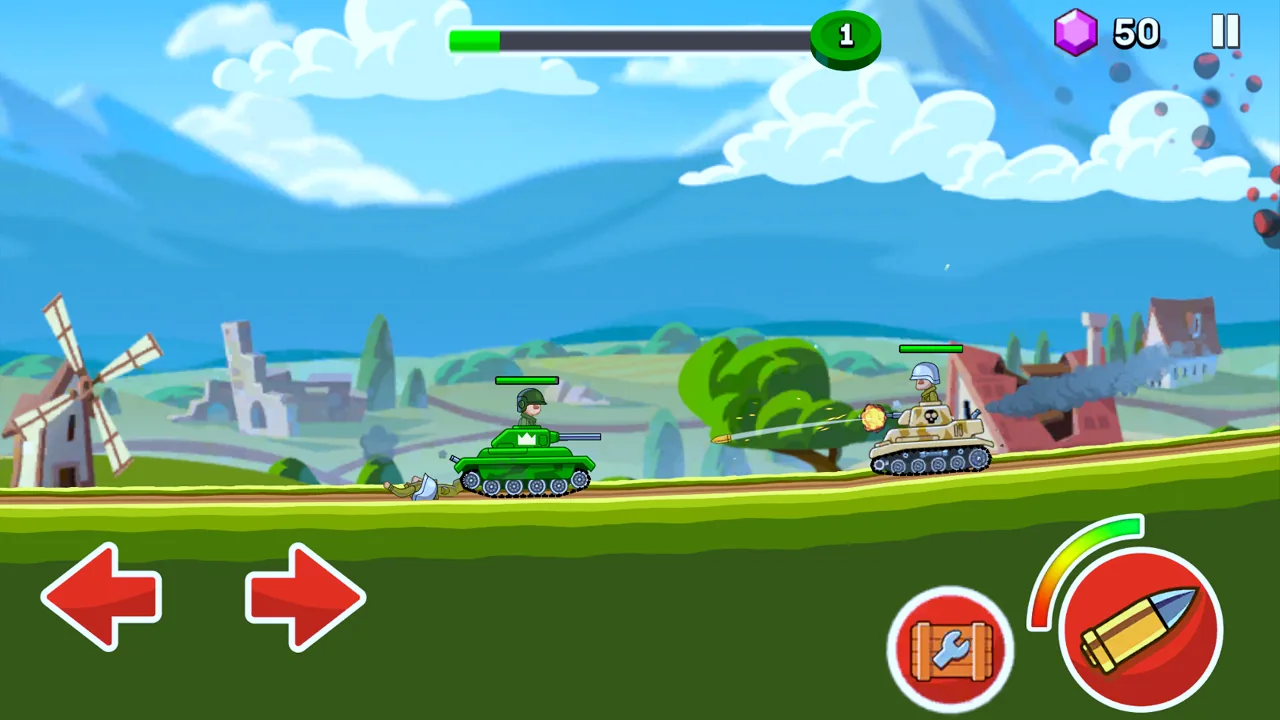
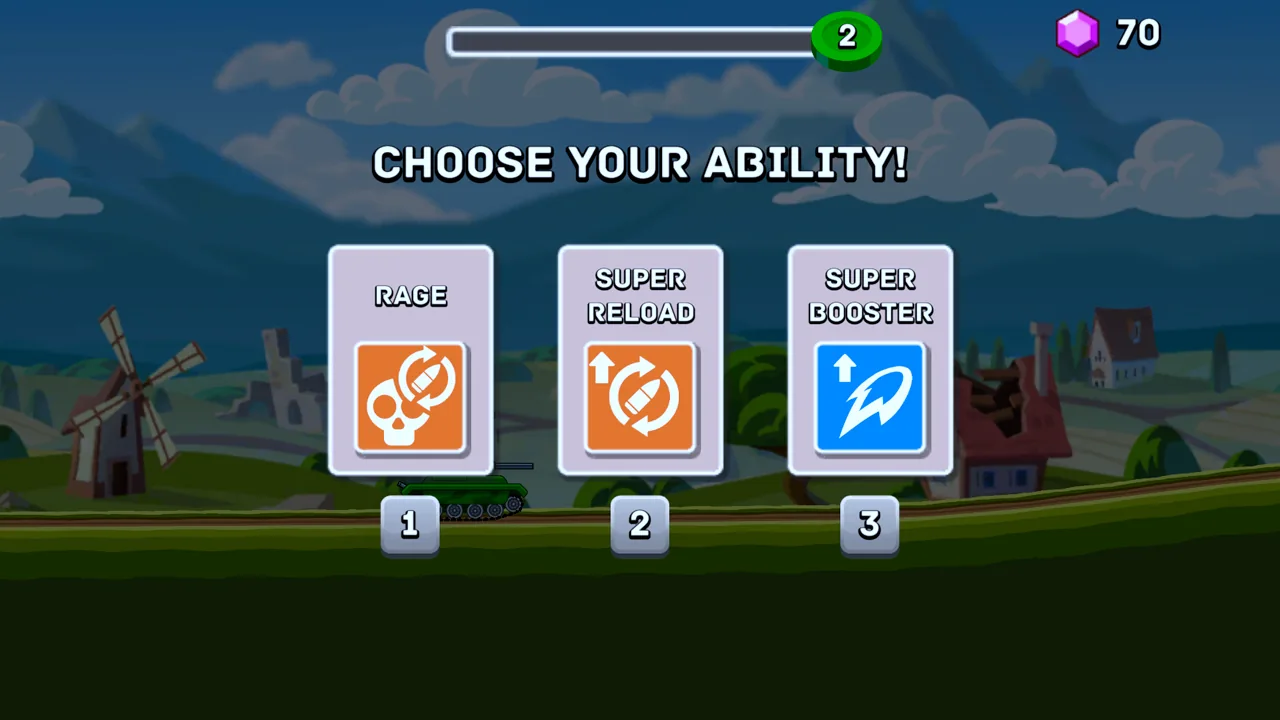
The official screenshots show colorful two-dimensional combat and an ability-selection screen with several enhancement choices. They give a more useful picture of the game than the illustrated cover: actual battles are viewed from the side, with terrain stretching horizontally across the screen. This is a fit for players who enjoy reading hills and adjusting their approach as enemies come into view, rather than commanding units from an overhead map.
The provider lists keyboard controls for PC and touch controls for mobile, with a landscape layout. Desktop players should check the in-game key prompts because the public instructions do not specify individual keys. On a supported phone or tablet, use the displayed movement and battle buttons. You can begin from this page without downloading a standalone client, then decide whether to play one level or continue working toward another tank.
02 / Field instructions
How to Play Tanks Warfare
- 01
Check the Tanks Warfare controls
Open the game and read its control prompts before entering combat. Use the keyboard on PC or the visible touch controls on mobile; confirm movement and firing separately.
- 02
Find a useful position on the hills
Move across the uneven ground while watching the next enemy. Choose a position that lets you aim at the target without continuing straight into incoming shells.
- 03
Defeat enemies and finish levels
Aim your cannon, fire when the enemy is in a useful line, and adjust your position to avoid projectiles. Continue through the level and deal with stronger opponents and bosses as they appear.
- 04
Use rewards to develop your tanks
Review the available vehicle improvements and unlocks after earning resources. Pick an upgrade that helps with the kind of encounter you are struggling to complete.
03 / Controls
Controls
Use the verified inputs below for this browser version.
On a supported phone or tablet, use the direction buttons and firing control displayed in the game. Play in landscape orientation. The official screenshot shows left and right arrows on one side and battle buttons on the other.
04 / Player fit
Why You'll Enjoy Tanks Warfare
- Players who like side-view tank battles where hills and firing position influence each encounter.
- Arcade action fans looking for levels and bosses alongside a vehicle-upgrade loop.
- Players who enjoy earning stronger tanks while continuing to practice movement and aiming.
A level gives you a clear objective for an action break. If you want a longer session, earning rewards and trying another vehicle adds a reason to keep playing beyond the next fight.
05 / Tactical notes
Tanks Warfare Tips
- 1Watch the slope ahead before moving into range; the next stretch of ground may offer a more useful firing position.
- 2Treat movement as part of aiming. Reposition when your current angle makes shots awkward instead of firing repeatedly from the same spot.
- 3Keep incoming projectiles in view while attacking so you can react before an enemy gets too close.
- 4Use an early encounter to learn the controls, then bring that familiarity into boss fights.
- 5Read enhancement choices before selecting one, and connect the decision to the weakness you noticed in the previous battle.
- 6Compare the available tank upgrades with new unlocks before spending rewards, rather than choosing only by appearance.
Ready when you are
Play Tanks Warfare Online for Free
Tanks Warfare is available here as a free browser game. The Play button opens its provider inside the game area, so there is no separate download or installation step. A desktop or laptop uses keyboard controls, while Playhop also lists mobile support with touch input for phones and tablets. Check the controls shown by the game rather than assuming it uses the same keys as another tank title. Its wide side-view battlefield is intended for landscape play. You can focus on completing the next level or stay longer to earn resources for vehicle upgrades and unlocks.