
01 / Mission brief
About Hills of Steel
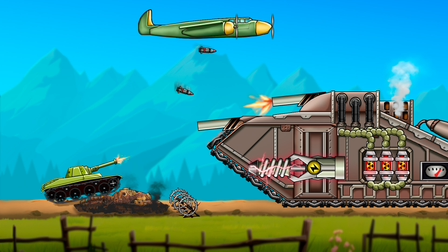
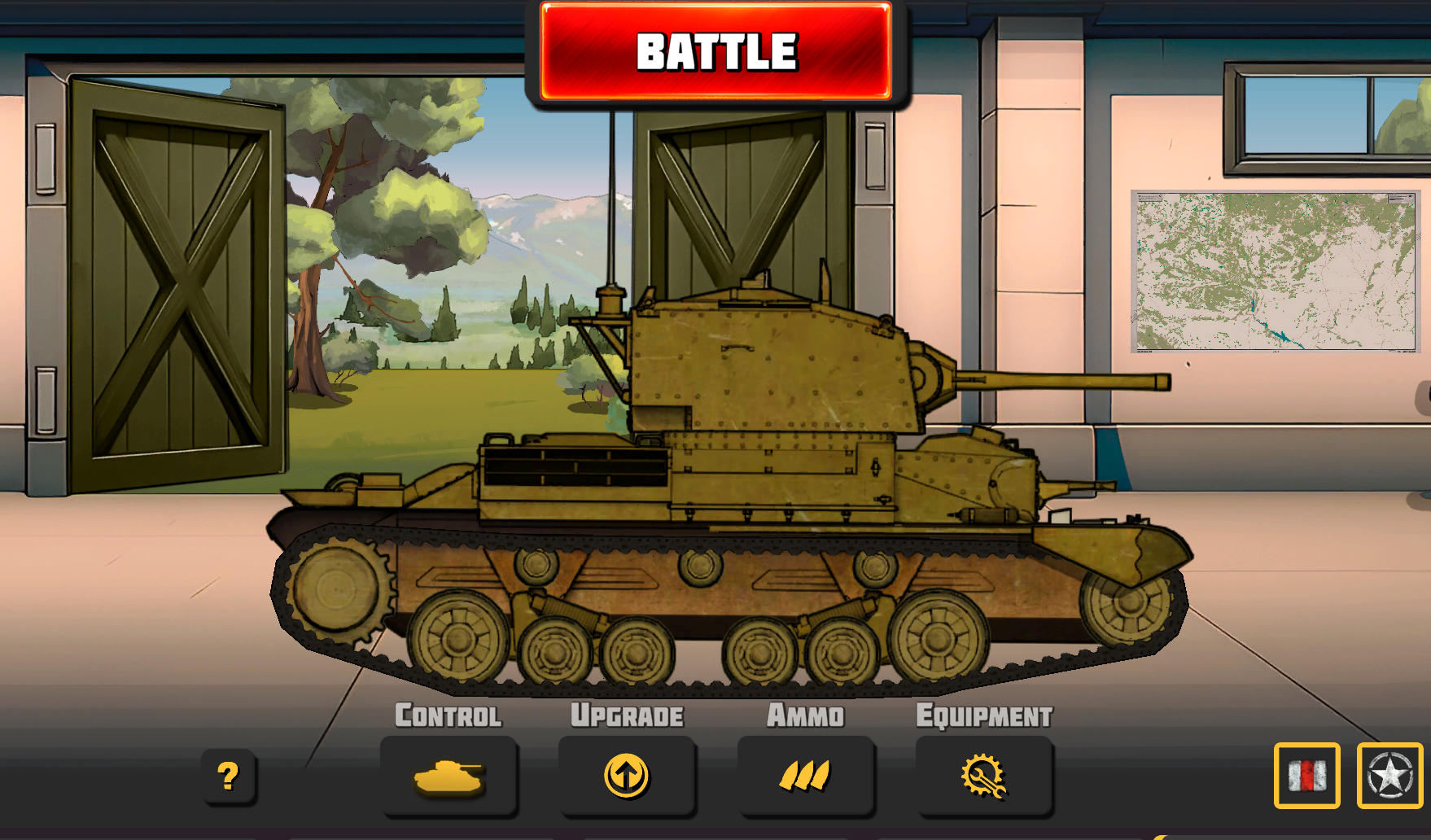
Hills of Steel is a free online side-scrolling tank battle game where rolling terrain changes both movement and shooting. You drive across hills, destroy waves of enemy vehicles, collect coins and health chests, and face a larger boss tank near the end of a level. The objective is to clear the map and defeat that boss before your own health runs out. It starts in the browser without a separate download.
Physics give each slope a tactical purpose. Firing creates recoil, so a shot released while the tank is bouncing over a small ridge may shift the hull at the wrong moment. Coins and cards support tank and weapon upgrades, while boosters add temporary options such as repair, protection, area damage, mines, or close-range attacks. Adventure mode presents shorter missions with a boss; Classic mode continues across enemies and bosses until your tank is defeated.
The verified build supports PC, Android, and iOS. Keyboard players can drive with A and D or the arrow keys, fire with Space, and activate a booster with X. On supported phones and tablets, the same actions appear as on-screen buttons. Hills of Steel suits players who enjoy direct combat and visible progression, and a mission can be an energetic way to take a break and blow off some steam.
02 / Field instructions
How to Play Hills of Steel
- 01
Drive with the terrain
Use the hills to approach enemies, but steady the tank before a shot when bumps are disrupting the cannon line.
- 02
Destroy the enemy wave
Fire at approaching vehicles while protecting your health and collecting useful coins or chests.
- 03
Use the right booster
Activate a repair, shield, mine, air strike, or other available ability when it solves the current threat.
- 04
Defeat the boss
Reach the larger tank at the end of the level and reduce its extra health before your own tank is destroyed.
03 / Controls
Controls
Use the verified inputs below for this browser version.
Use the on-screen movement, fire, and booster buttons on supported Android or iOS phones and tablets.
04 / Player fit
Who Is Hills of Steel For?
- Tank battle fans who like side-scrolling movement and physics-based shots.
- Progression players interested in tank upgrades, boosters, and boss encounters.
- Desktop and mobile players who want direct controls and short combat missions.
One Adventure mission delivers movement, upgrades, and a boss in a compact session, making it a lively option when you want a quick burst of action.
05 / Tactical notes
Hills of Steel Tips
- 1Fire from a stable part of the slope when recoil would otherwise tilt the tank.
- 2Collect health chests when safe instead of driving past them with low health.
- 3Save a defensive booster for the boss if ordinary enemies are under control.
- 4Choose upgrades that address the reason your last attempt ended.
- 5Keep moving after a shot when an enemy has already lined up a response.
Ready when you are
Play Hills of Steel Online for Free
Hills of Steel is free to play online in the browser on TankGames.app. Press Play and the provider build loads without a separate launcher or installation package. It supports PC, Android, and iOS: use the keyboard on a desktop or the virtual buttons on a supported phone or tablet. A larger screen makes hills and incoming enemies easier to read, while touch controls keep the move-fire-booster loop accessible on mobile.