01 / Mission brief
About Artillery Vs Tanks Online
Artillery Vs Tanks Online puts you in charge of a howitzer facing enemy armor that keeps advancing toward your position. This free browser game from razrob centers on accurate gunnery: find a tank, bring it into your sights, and destroy it before it reaches your gun. The challenge is deciding where to aim next while keeping track of the other vehicles on the battlefield. Your goal is to stop the attacking tanks before they overwhelm the artillery position.
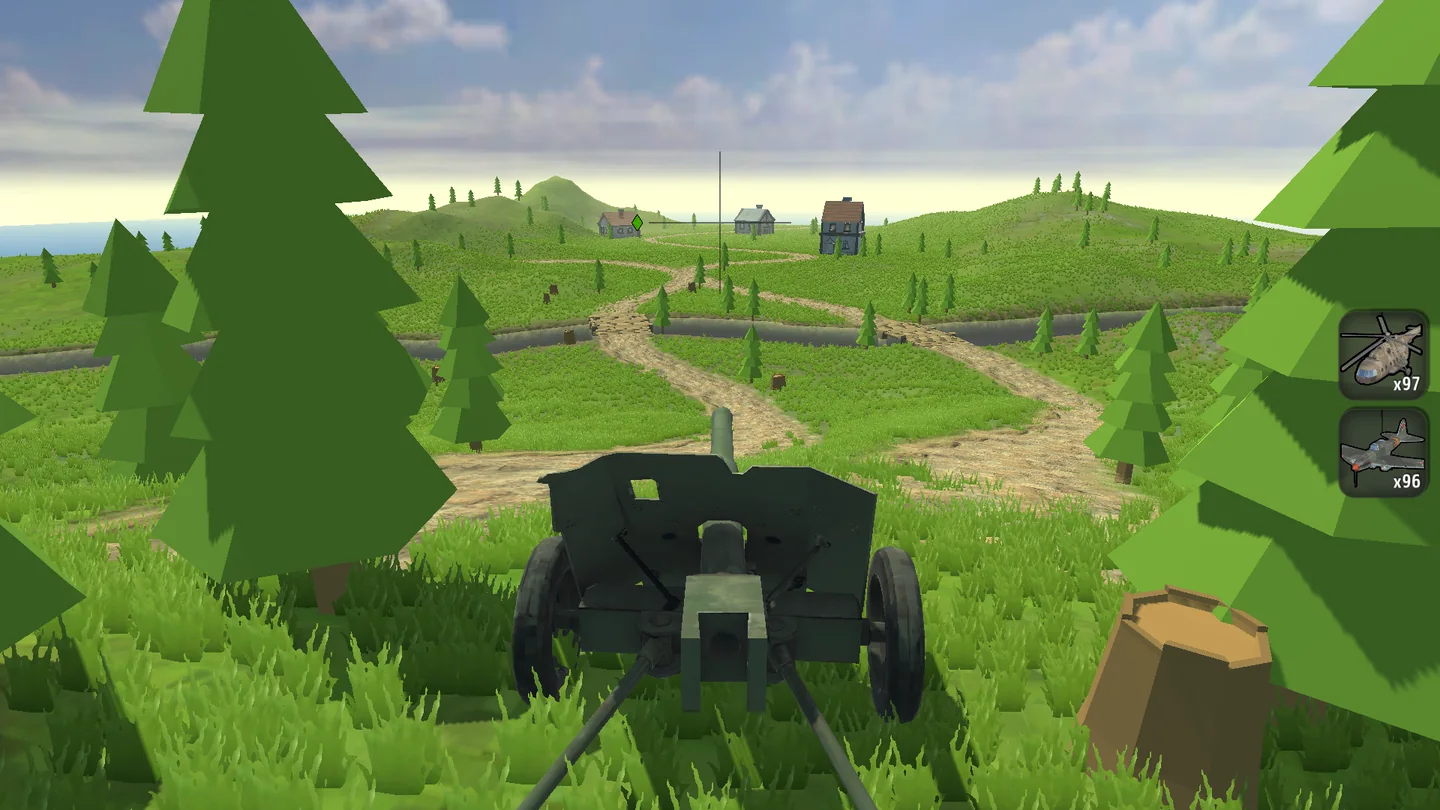
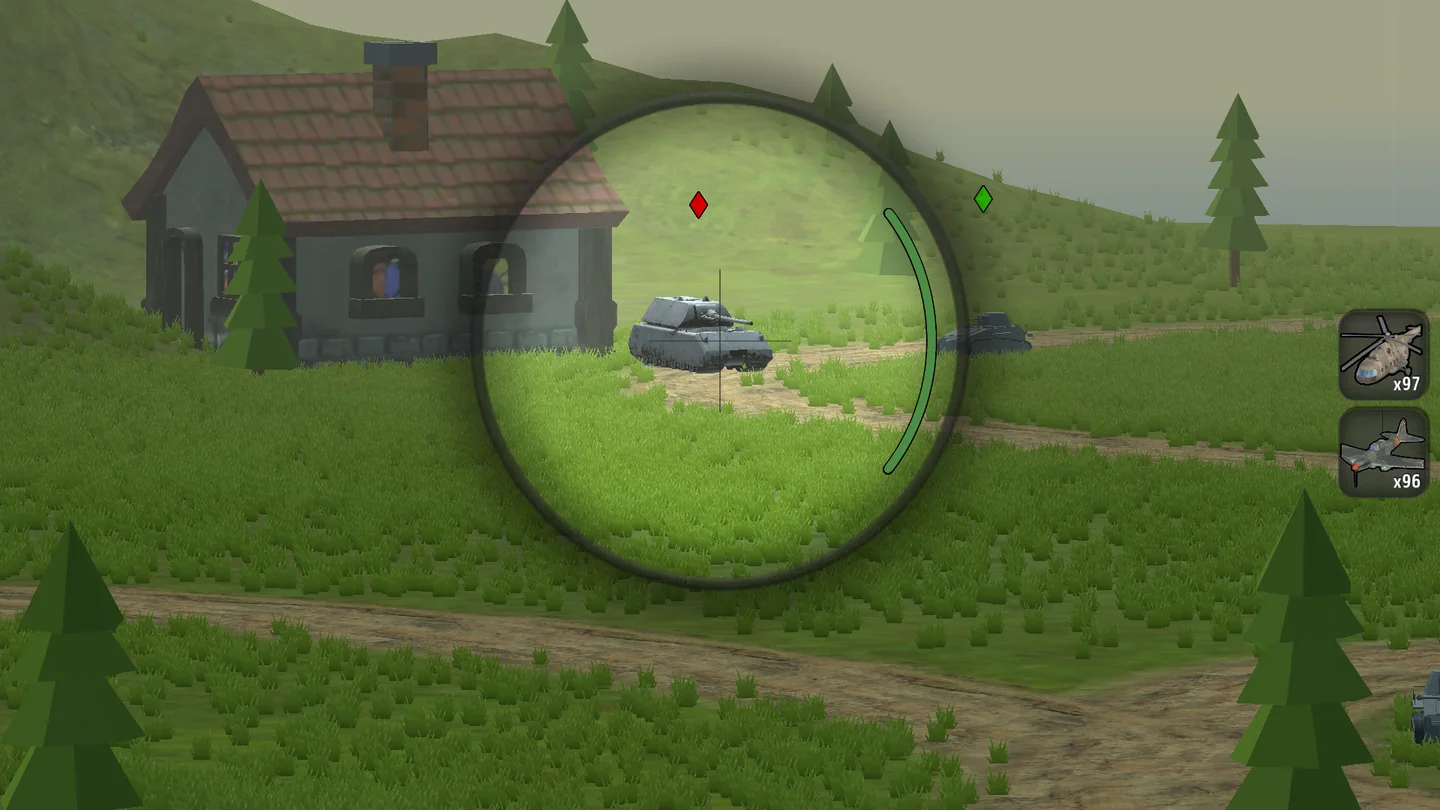
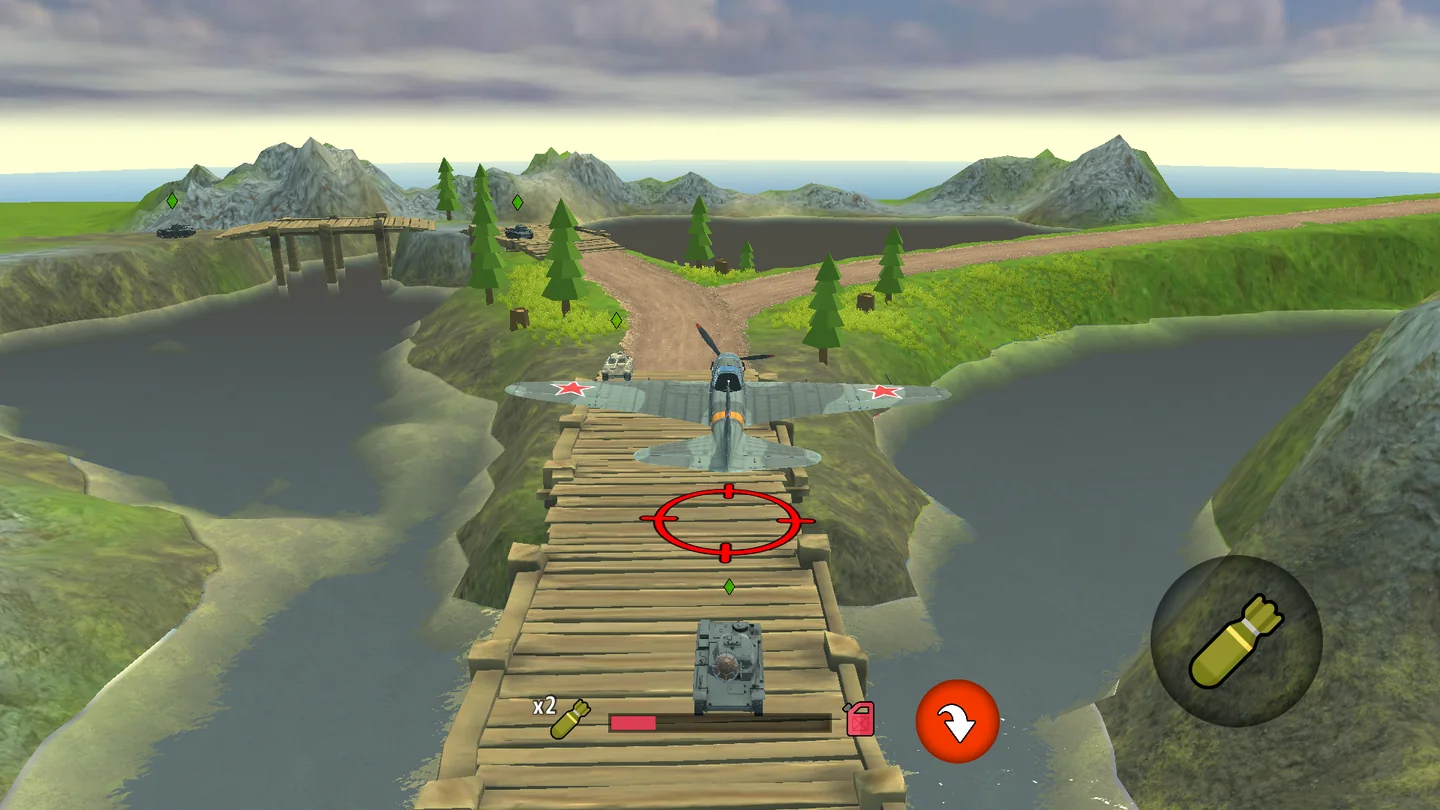
The scope gives you a closer look at a target, but the wider view helps you find the next threat. Switching between those views is part of learning the gun. Rewards from destroyed enemies can improve your howitzer's performance or go toward new artillery weapons, giving each successful defense a purpose beyond the immediate fight. The official screenshots show winding roads through green hills, tanks near buildings, and a bridge over water, all presented in a stylized 3D battlefield.
A desktop PC or laptop uses mouse movement to control the view, F to zoom, and Space to shoot. On supported phones and tablets, swiping replaces the mouse and on-screen buttons handle zooming and firing. The mobile layout is landscape, leaving room to follow targets across the screen. No separate game client needs to be installed, and the game loads from this page after you press Play.
02 / Field instructions
How to Play Artillery Vs Tanks Online
- 01
Find the advancing tanks
Look across the battlefield and locate the vehicles approaching your artillery. Start with the wider view so you can see which routes need attention.
- 02
Aim and zoom
Move the mouse on PC or swipe on a touchscreen to adjust your view. Press F or use the zoom button when a closer look helps line up the target.
- 03
Fire before they reach you
Press Space or tap the fire button when your aim is ready. Recheck the field after shooting so another approaching tank does not go unnoticed.
- 04
Improve your artillery
Collect the rewards earned from defeating enemies, then use the available options to strengthen your howitzer or buy a more powerful artillery weapon.
03 / Controls
Controls
Use the verified inputs below for this browser version.
Hold your phone or tablet horizontally. Swipe on the screen to control the view, tap the zoom button for a closer look, and tap the shoot button to fire the artillery.
04 / Player fit
Who Is Artillery Vs Tanks Online For?
- Players who enjoy lining up cannon shots and stopping advancing armored targets.
- Tank battle fans interested in defending from the artillery position.
- Progression players who like turning combat rewards into better guns and equipment.
Focusing on the gun and its next target makes this a straightforward action break. You can practice your aim for a session or spend longer working toward a stronger artillery weapon.
05 / Tactical notes
Artillery Vs Tanks Online Tips
- 1Check for tanks that have advanced closer before spending too long on a distant target.
- 2Use zoom when you need a closer look, then return to a wider view to find threats outside the scope.
- 3Make small aiming adjustments near a target instead of sweeping past it with a large mouse movement or swipe.
- 4After each attack, check what remains on the field before choosing your next shot.
- 5Review the available howitzer improvements and new guns before spending rewards, so the next purchase has a clear purpose.
- 6On mobile, keep the firing button easy to reach while leaving enough screen space to swipe and track targets.
Ready when you are
Play Artillery Vs Tanks Online for Free
Artillery Vs Tanks Online is free to play through the TankGames.app browser player. Press Play to load the game and take command of the gun without a download or separate launcher. A PC, desktop, or laptop gives you mouse aiming and keyboard shortcuts; supported mobile browsers let you use swipes and action buttons on a phone or tablet. Rotate a mobile device to landscape before starting. If you want to check the controls first, the guide above covers aiming, zooming, and firing for both layouts.