01 / Mission brief
About Tank Battle 3D: War of Tanks 2k20
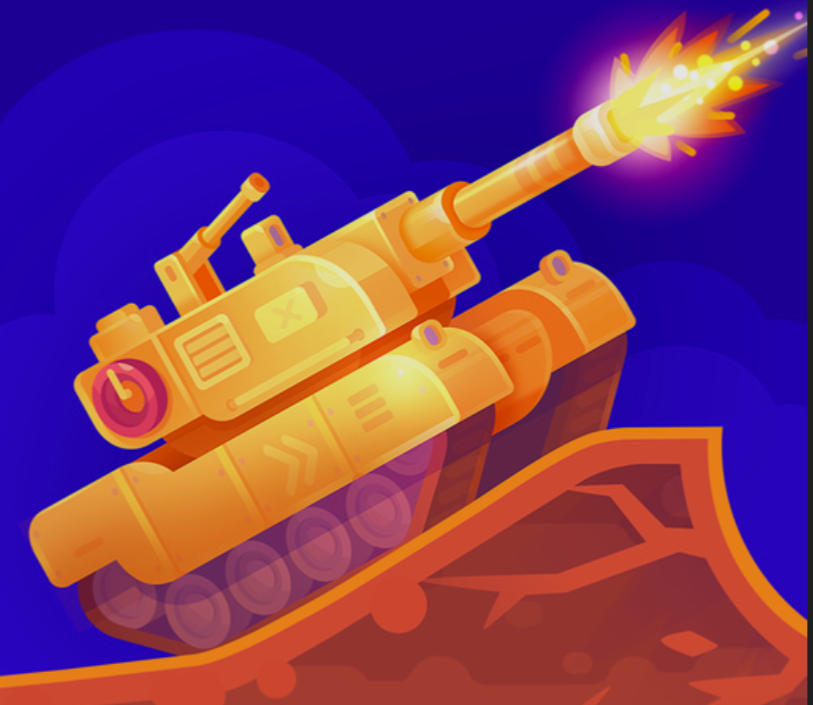
Tank Battle 3D: War of Tanks 2k20 is a free online tank battle game set in a futuristic conflict. You take the commander's seat in a modern war machine, drive directly into 3D combat, and use its weapons to defeat the opposing armored force. The focus is immediate tank action: control your movement, choose a useful firing position, and strike before enemy vehicles can overwhelm you.
Movement and shooting work together throughout each fight. WASD gives you direct control of the tank, while a mouse click fires its weapon. Advancing without watching the enemy can leave the vehicle exposed, so effective play depends on combining force with measured positioning and timely attacks rather than firing without a plan.
The game starts inside the TankGames.app browser player with no download, installation, or account required. It is free to play without a time limit or locked levels. The supplied build supports desktop, tablet, and phone play, and the fullscreen button beneath the player provides a larger view of the 3D battlefield when supported by the browser.
02 / Field instructions
How to Play Tank Battle 3D: War of Tanks 2k20
- 01
Take command of the tank
Enter the futuristic battlefield and identify the enemy armor that must be destroyed.
- 02
Move with WASD
Drive forward, reverse, and change direction to approach targets or move away from incoming pressure.
- 03
Fire with the mouse
Bring an enemy into a useful firing position and click the mouse to shoot.
- 04
Defeat the enemy force
Combine movement, firepower, and strategic decisions to eliminate the opposing tanks while keeping your own vehicle in the fight.
03 / Controls
Controls
Use the verified inputs below for this browser version.
On a supported tablet or phone, use the touch controls displayed by the game to move and fire. Turn the device horizontally for more room, and use the fullscreen button beneath the player when available.
04 / Player fit
Who Is Tank Battle 3D: War of Tanks 2k20 For?
- Tank battle fans who want to command one armored vehicle directly.
- Action players interested in fast 3D combat and straightforward shooting controls.
- Players who prefer a futuristic battlefield over a historical tank setting.
- Desktop and mobile players looking for instant browser play without an account.
The direct move-and-fire controls make it easy to enter a 3D tank fight quickly when you want a focused burst of armored action during a break.
05 / Tactical notes
Tank Battle 3D: War of Tanks 2k20 Tips
- 1Learn how quickly the tank responds to each WASD direction before driving into the center of a fight.
- 2Move into a useful position before clicking repeatedly so each shot has a clear target.
- 3Avoid staying still when an enemy tank already has a direct line toward your vehicle.
- 4Use short movement adjustments to keep the tank controllable while preparing the next shot.
- 5Watch the full battlefield instead of focusing on only one enemy at close range.
- 6Switch to fullscreen when you need a clearer view of distant vehicles and open routes.
Ready when you are
Play Tank Battle 3D: War of Tanks 2k20 Online for Free
Tank Battle 3D: War of Tanks 2k20 is available to play online for free on TankGames.app. Press Play to load the embedded HTML5 version only when you are ready; no separate download, installation, or account is needed. Desktop players move with WASD and shoot with a mouse click. The supplied game also runs on supported tablets and phones, while the fullscreen control beneath the player can expand the battlefield view.