01 / Mission brief
About Metal Crunch: Confrontation
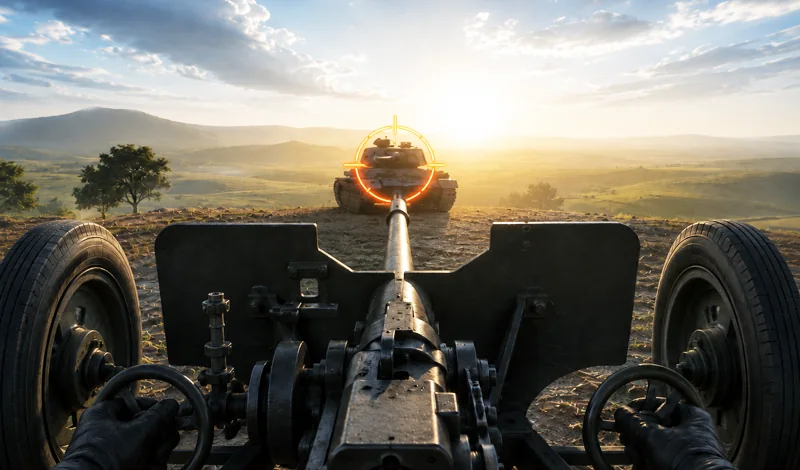
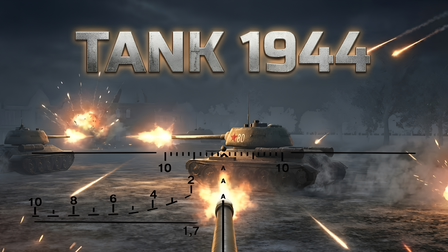
Metal Crunch: Confrontation is a free online WWII tank combat game from ego_v, built around two opposing sides, developing crews, and improving armored vehicles. A battle can be won by destroying the enemy's equipment or capturing its base, so your next move is not always another shot. You need to judge when to keep fighting and when an opening toward the objective deserves attention. The game runs in a browser, letting you start from this page without downloading a standalone client.
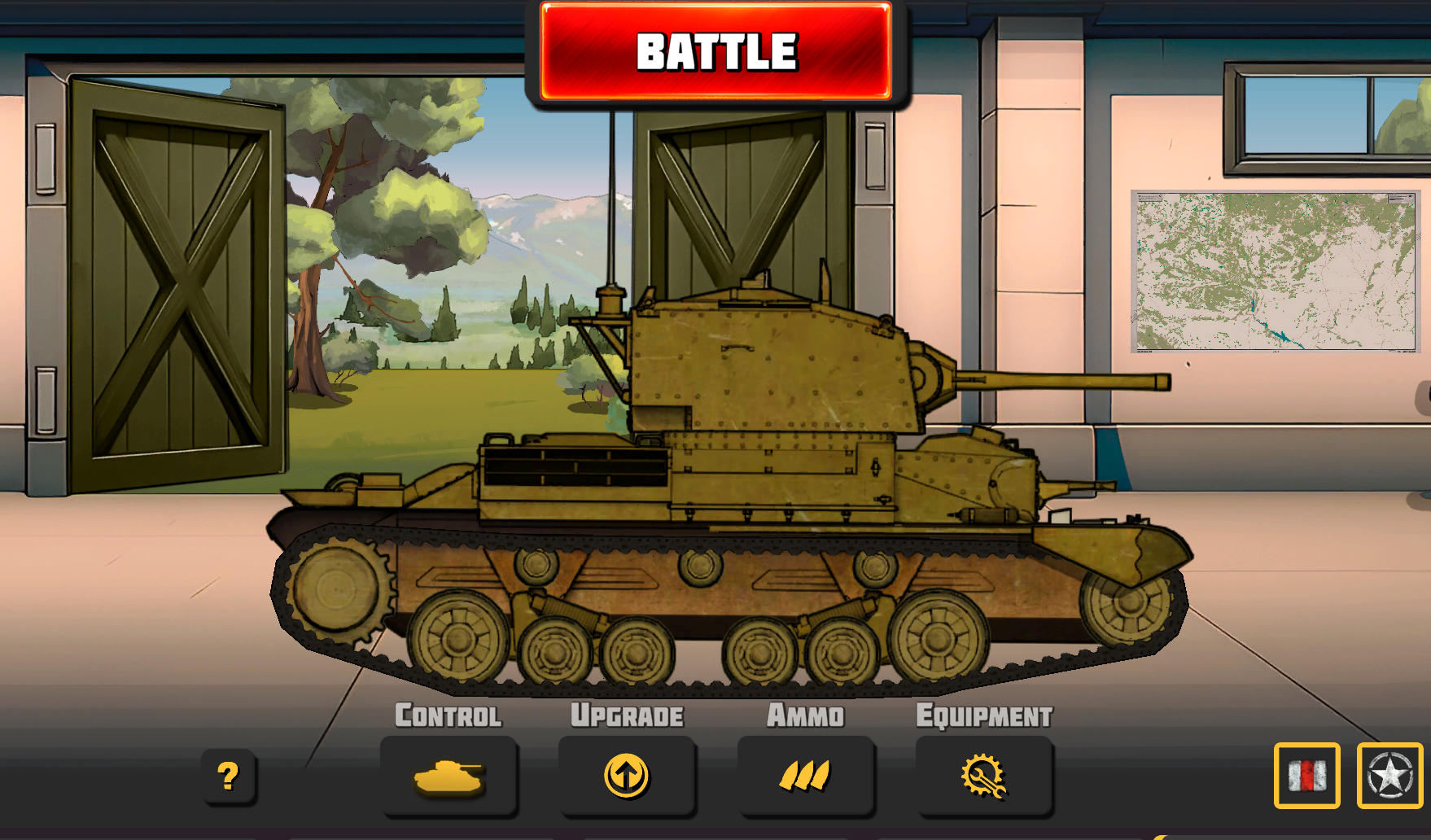
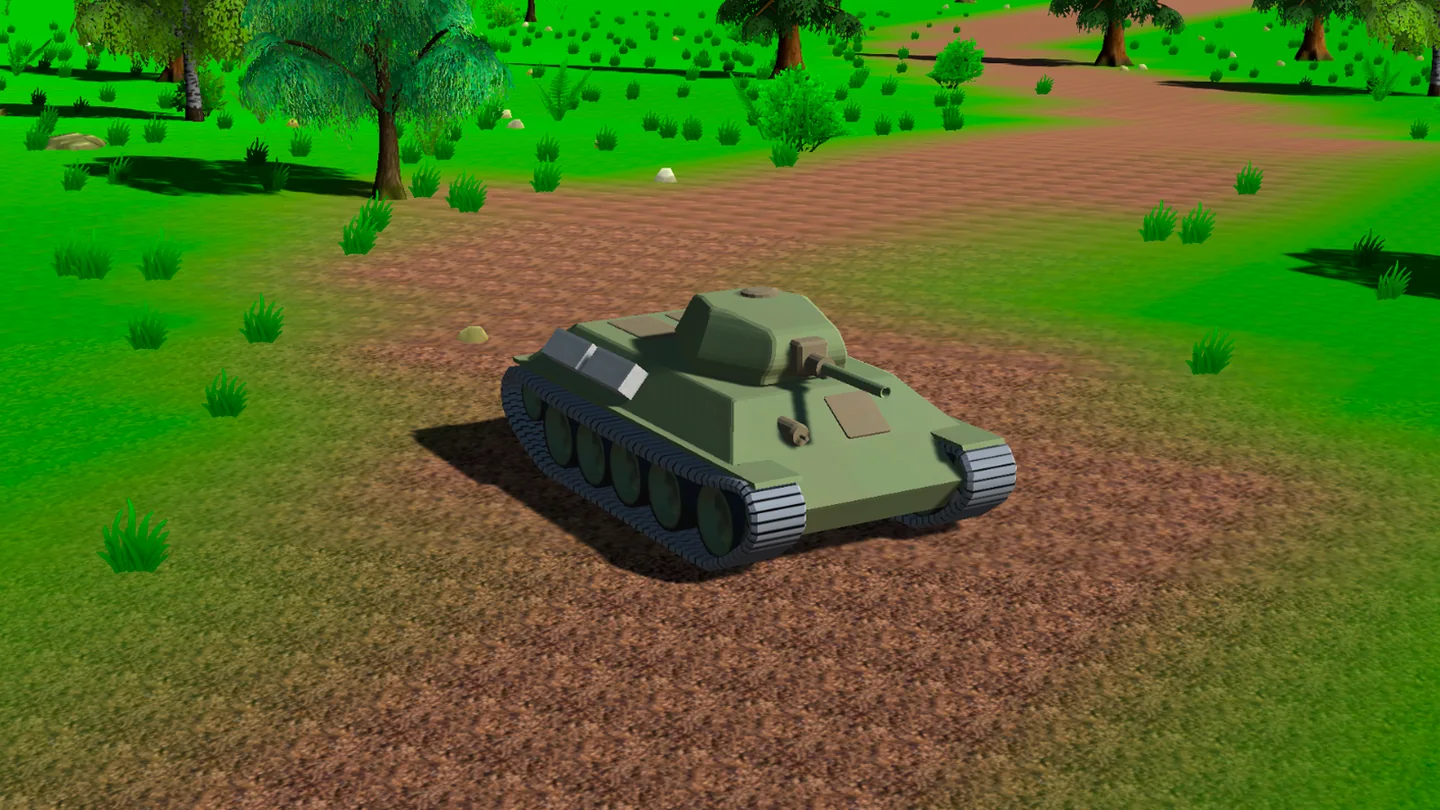
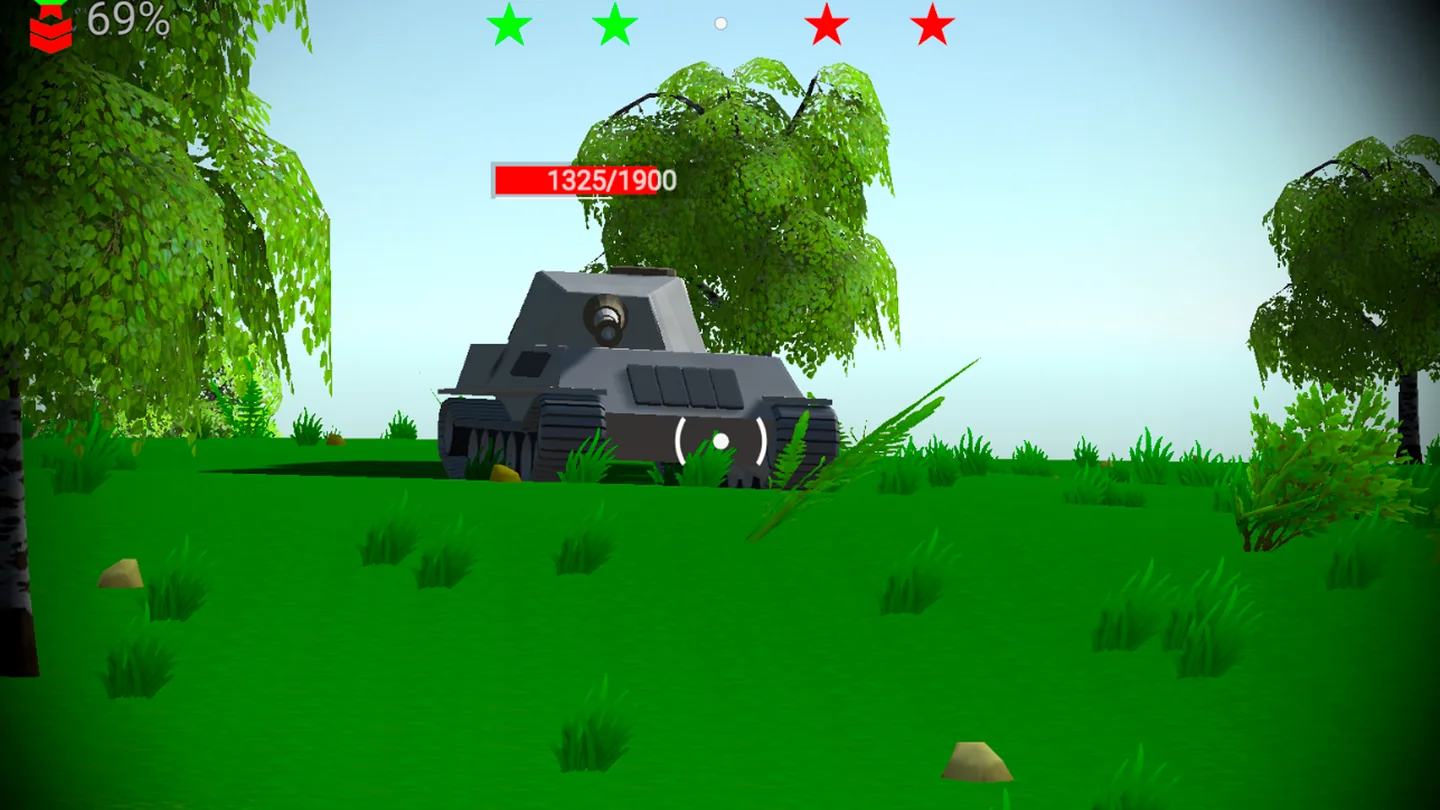
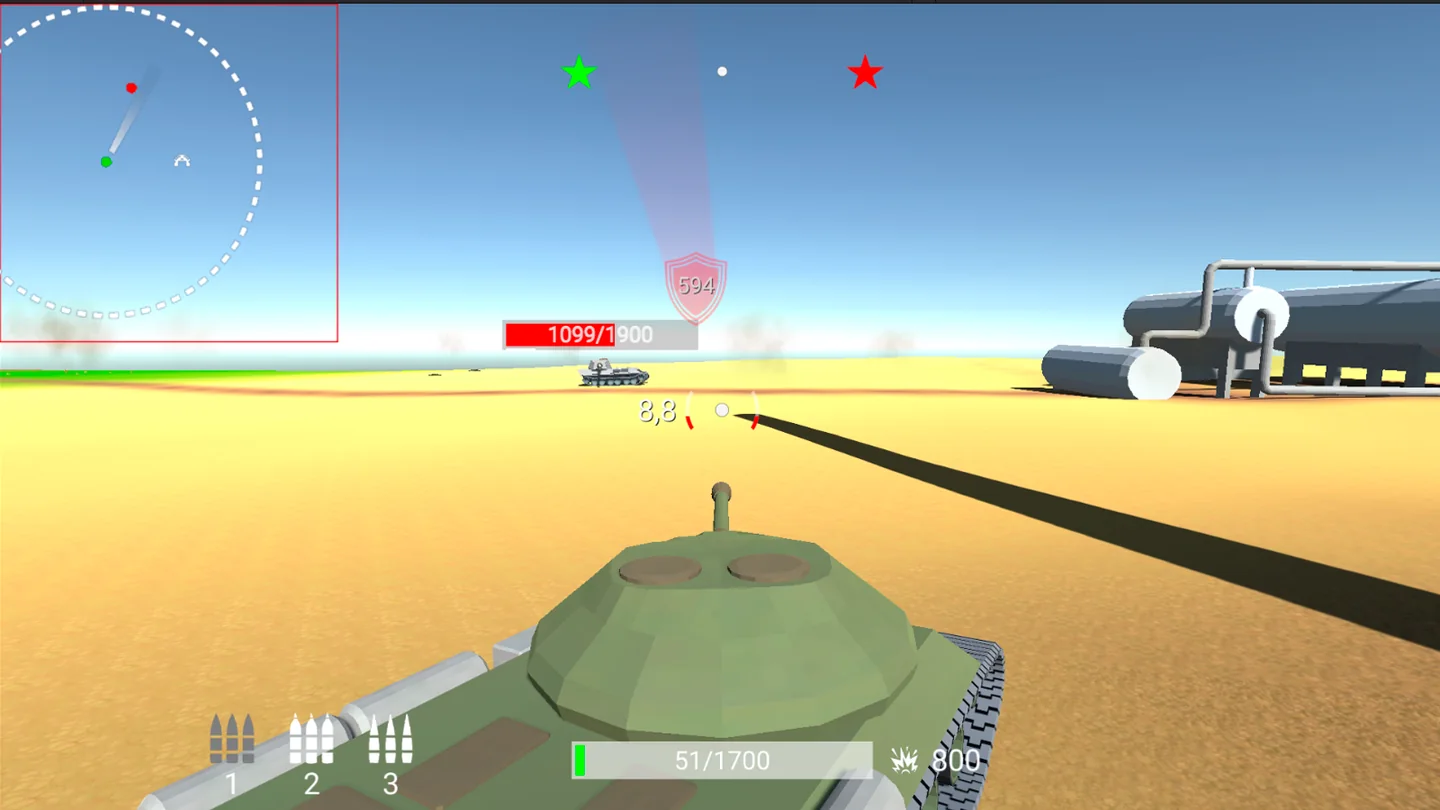
Choosing a tank is only the beginning. The Tanks section lets you adjust equipment, while character development and tank component enhancements give you decisions between battles. During combat, you can switch between three projectile slots and use the repair control when available. The 3D presentation keeps your vehicle, terrain, and other tanks visible, while a separate aiming control helps with lining up a target. The official screenshots show green woodland routes as well as an open sandy battlefield.
Training, Regular, Versus, Campaign, and Hardcore are the modes listed by the developer. Daily and individual combat tasks offer further goals, with a hall of fame recognizing successful commanders. On a desktop PC or laptop, movement and battle functions use keyboard and mouse controls. Supported phones and tablets provide a landscape layout with a joystick and action buttons, so you can drive, select shells, and repair through the touchscreen instead of relying on physical keys.
02 / Field instructions
How to Play Metal Crunch: Confrontation
- 01
Prepare your tank and crew
Choose your tank and side, then review the available component and character improvements. Use the Tanks section to adjust equipment before entering combat.
- 02
Begin with Training
Learn movement, aiming, projectile selection, and repair. Check the in-game bindings: the official written guide assigns right-click to both firing and auto-aim.
- 03
Choose a battle mode
Move on to Regular, Versus, Campaign, or Hardcore when you understand the controls. Read the selected mode's instructions before taking your tank into the field.
- 04
Fight for either victory route
Destroy opposing equipment or capture the enemy base. Watch both the combat around your tank and the opportunity to advance toward the objective.
- 05
Review progress between battles
Return to your equipment and crew choices, consider which improvements would help, and check daily or individual combat tasks for your next goal.
03 / Controls
Controls
Use the verified inputs below for this browser version.
Use landscape orientation on your phone or tablet. Drive with the on-screen joystick, then use the separate aim, auto-aim, fire, projectile, repair, and pause buttons on the touchscreen.
04 / Player fit
Why You'll Enjoy Metal Crunch: Confrontation
- Tank battle fans who want both direct armored combat and a base-capture objective.
- Players who enjoy improving a crew and adjusting vehicle components between fights.
- WWII game fans looking for several battle modes with PC and mobile controls.
A training run offers a way to take a gaming break and practice a specific control. For a competitive battle or campaign session, leave time to follow the objective through to its outcome.
05 / Tactical notes
Metal Crunch: Confrontation Tips
- 1Learn the fire and auto-aim bindings in Training before depending on either during a battle.
- 2Remember both victory conditions: pursuing a distant tank may leave a more useful route to the enemy base open.
- 3Practice selecting all three projectile slots so you can change ammunition without searching for the correct key.
- 4Keep the repair shortcut within reach, and look for a safer position before using an available repair.
- 5Review crew and component improvements after a difficult fight rather than repeating the same equipment choices automatically.
- 6On mobile, get comfortable steering with the joystick while reaching the action buttons before trying a harder mode.
Ready when you are
Play Metal Crunch: Confrontation Online for Free
Metal Crunch: Confrontation brings its tank battles to the TankGames.app browser player for free online play. Press Play, choose your tank in the game's menus, and begin with a mode that fits your experience. No download or separate launcher is required. Keyboard and mouse controls suit a PC, desktop, or laptop; supported mobile browsers supply joystick and button controls for phones and tablets. A landscape screen gives those touch controls room, while a larger display can make aiming and reading the battlefield more comfortable.