01 / Mission brief
About Warfare 1942
Warfare 1942 combines infantry shooting and tank combat in a free online World War II game from Fahrenheit Dev. You enter a multiplayer battlefield, fight alongside other players, and work toward the highest score before the match ends. The action is shown in 3D with a third-person view of your soldier, so watching the space around your character matters as much as lining up a shot. The browser version starts from the player above without installing a separate game client.
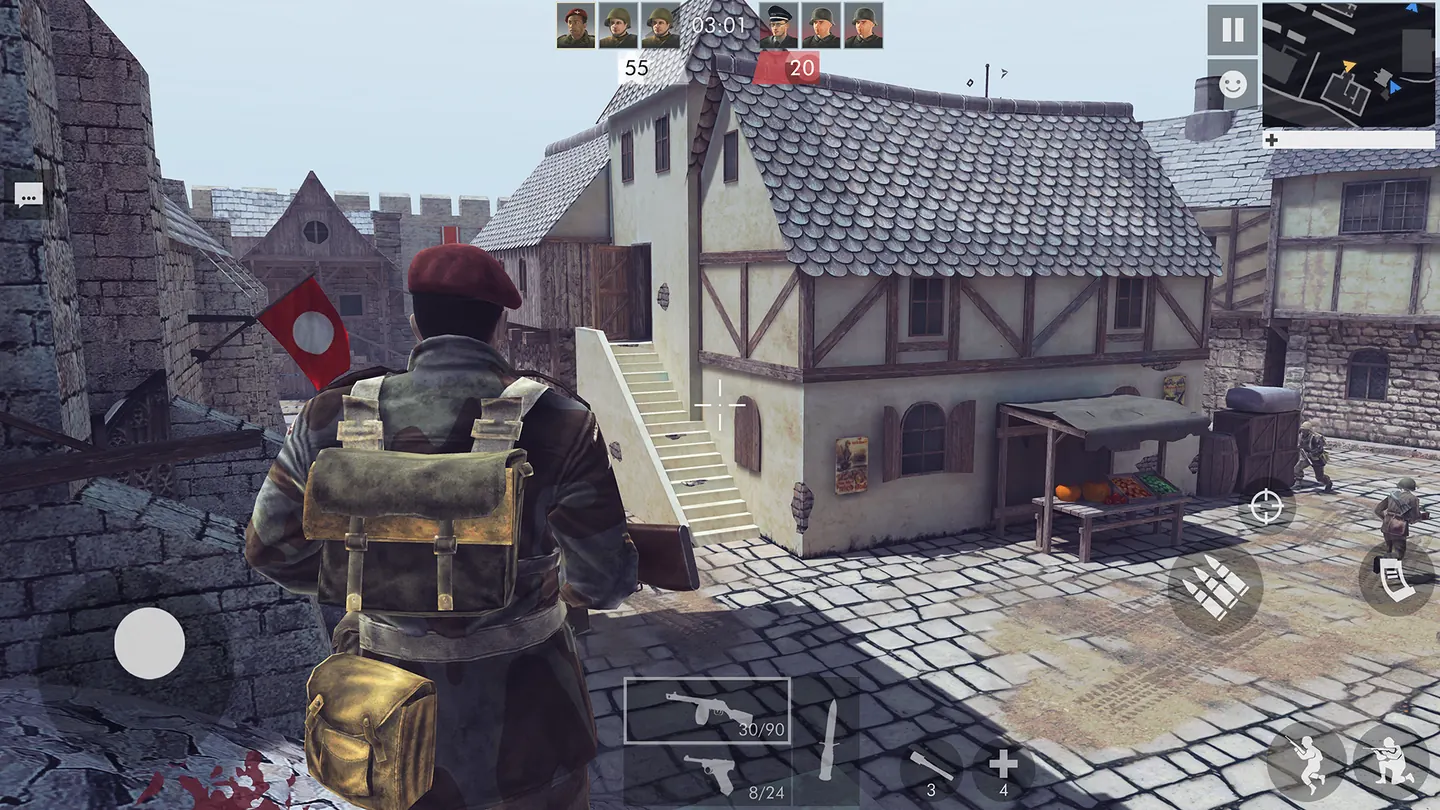
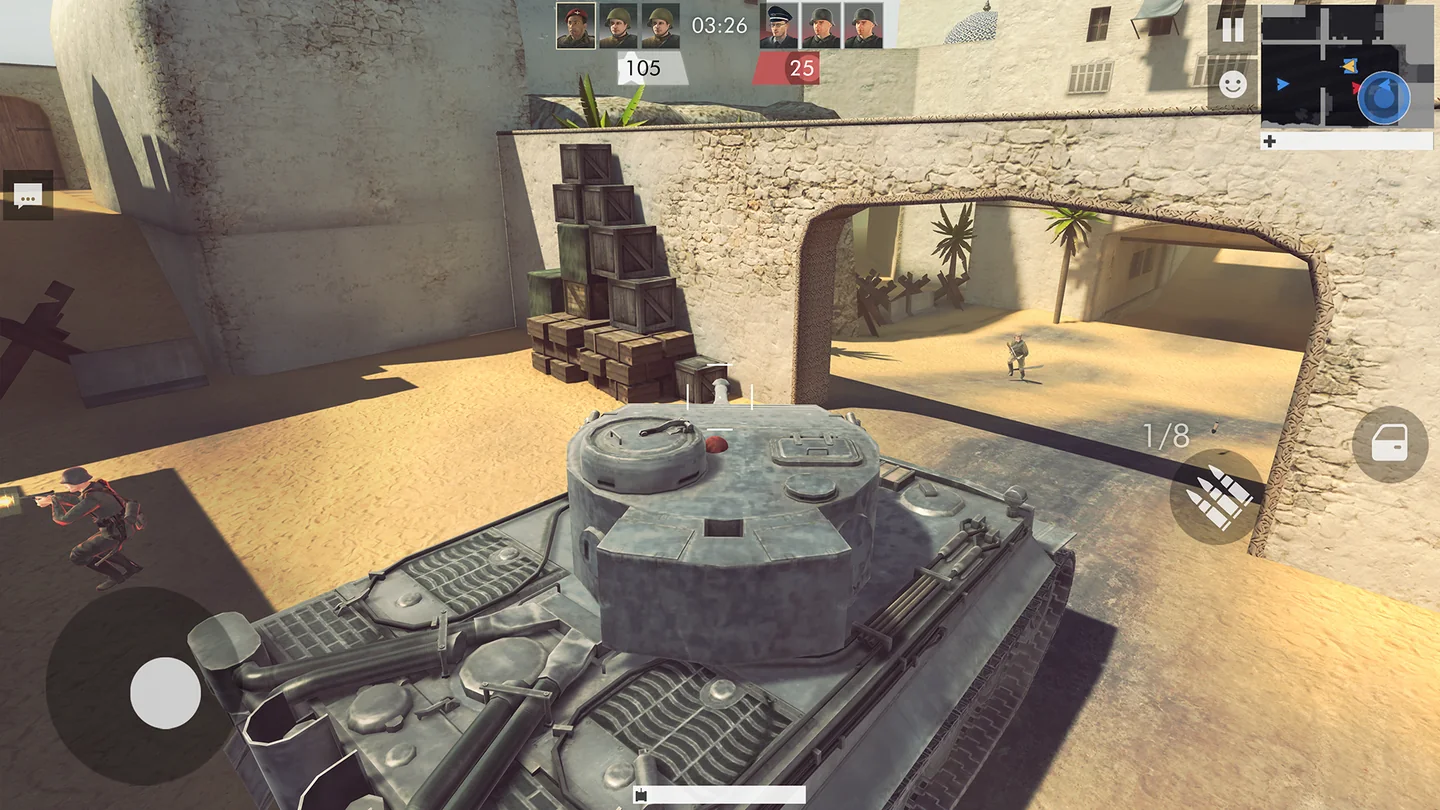
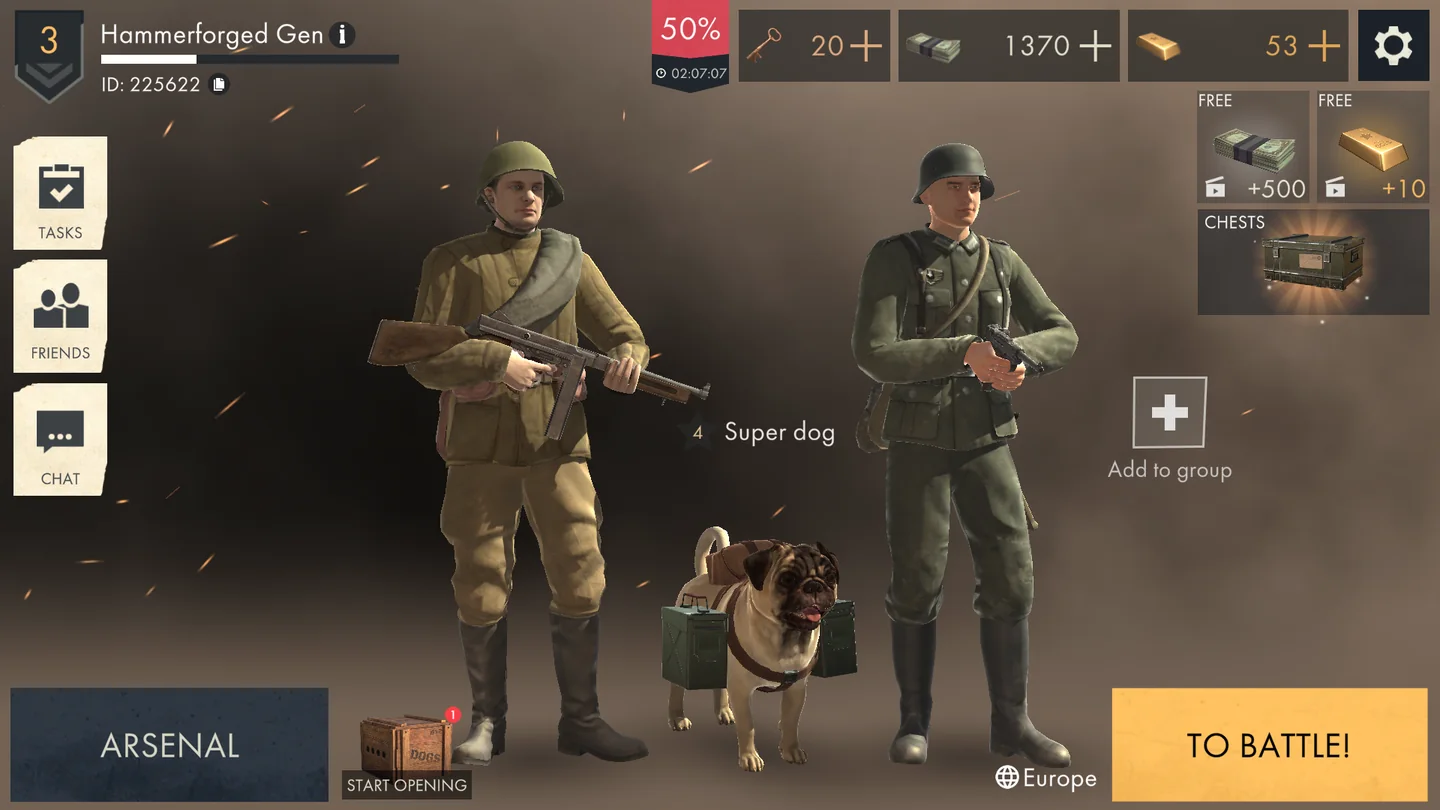
Tanks share the fighting with soldiers and war dogs, giving the battlefield more variety than an infantry-only shooter. You can choose from different weapons and characters, customize your equipment, and activate a dog's special ability during combat. The official screenshots show village streets, rocky routes, and desert buildings, with both soldiers and armored vehicles in action. These changing environments make it useful to check your map, choose a route with cover, and think about the distance to your next target before committing to a fight.
On a desktop PC or laptop, keyboard shortcuts handle movement, equipment, reloading, and the map while the mouse controls aiming and firing. Supported phones and tablets use a landscape touch layout with movement on the left and aiming on the right. This is a competitive match game: leave time to finish a session rather than expecting to pause the whole battlefield when you open the menu.
02 / Field instructions
How to Play Warfare 1942
- 01
Prepare for Warfare 1942
Check your character and available equipment, then enter an online battle. Learn the movement and aiming controls before pushing into a busy route.
- 02
Read the map and move
Use the map to orient yourself, follow useful cover, and keep an eye on nearby infantry and tanks as you cross the battlefield.
- 03
Manage weapons and your dog
Select items with 1-5, aim before firing, and reload when you have cover. Use the dog's special ability when it can help during an engagement.
- 04
Finish ahead on points
Keep checking the match score and fight effectively until the session ends. The official rules name the player with the highest final score as the winner.
03 / Controls
Controls
Use the verified inputs below for this browser version.
Hold your phone or tablet horizontally. Use the left side of the touchscreen to move, the right side to point and aim, and the on-screen action buttons for the remaining controls.
04 / Player fit
Who Is Warfare 1942 For?
- Shooter fans who enjoy online matches with both infantry and armored vehicles.
- Tank battle players interested in a wider WWII battlefield with soldiers and canine support.
- Players who like comparing weapons and character equipment between competitive sessions.
A match offers a burst of action when you want a gaming break. Allow enough time to reach the final score, since the online session continues while you are away from the controls.
05 / Tactical notes
Warfare 1942 Tips
- 1Reload behind a wall or another obstacle so you are ready before stepping into an exposed street.
- 2Use M to check your surroundings before changing routes; looking only down the weapon sight can hide other approaches.
- 3Learn the positions of your item slots so you can switch with 1-5 without searching the screen during combat.
- 4Keep the U shortcut in mind when your dog's ability is available, instead of relying only on your gun.
- 5On mobile, leave room for your aiming thumb and turn the device sideways before joining a session.
Ready when you are
Play Warfare 1942 Online for Free
Warfare 1942 is available to play online for free through the TankGames.app browser player. Press Play to load the provider's game, then use its menus to prepare for a match. No download or standalone launcher is needed. A PC gives you keyboard shortcuts and mouse aiming, while supported mobile browsers offer touch controls on a phone or tablet. Keep an internet connection throughout the session, and use landscape orientation on mobile so movement and aiming have separate sides of the screen.