01 / Mission brief
About The World of Steel: Tank Wars
The World of Steel: Tank Wars opens with a question about the commander rather than the tank. A crash has left the commander with missing memories, and the story unfolds through missions. You begin with a basic tank, learn to move and aim, then follow the assignments that lead to the next piece of the mystery. The campaign gives the battles a purpose beyond winning the encounter currently on screen.
Progression applies to both the machine and the people who operate it. You can improve the tank, develop its crew, and rise in rank while playing through the story. Before a mission, take a look at what has changed since the previous one. If you have upgraded the starter vehicle, a familiar stretch of road is a good place to get used to it before turning your attention to the next objective.
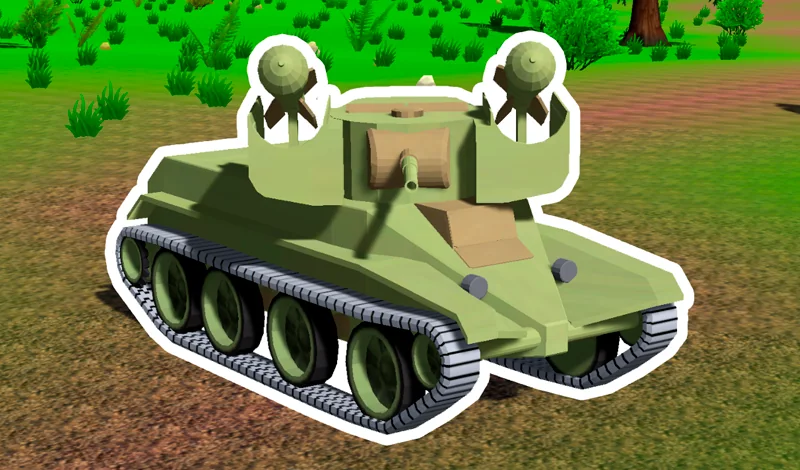
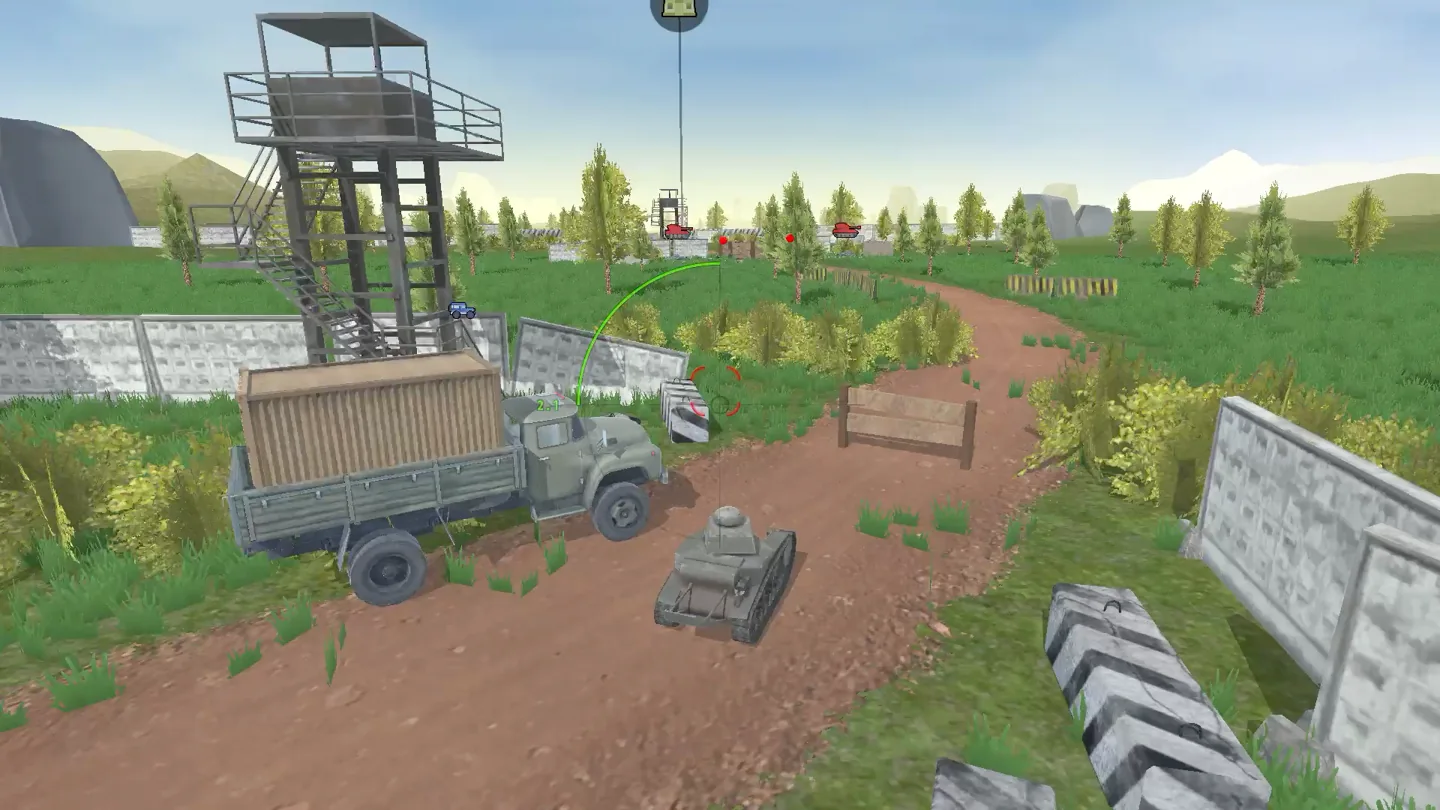
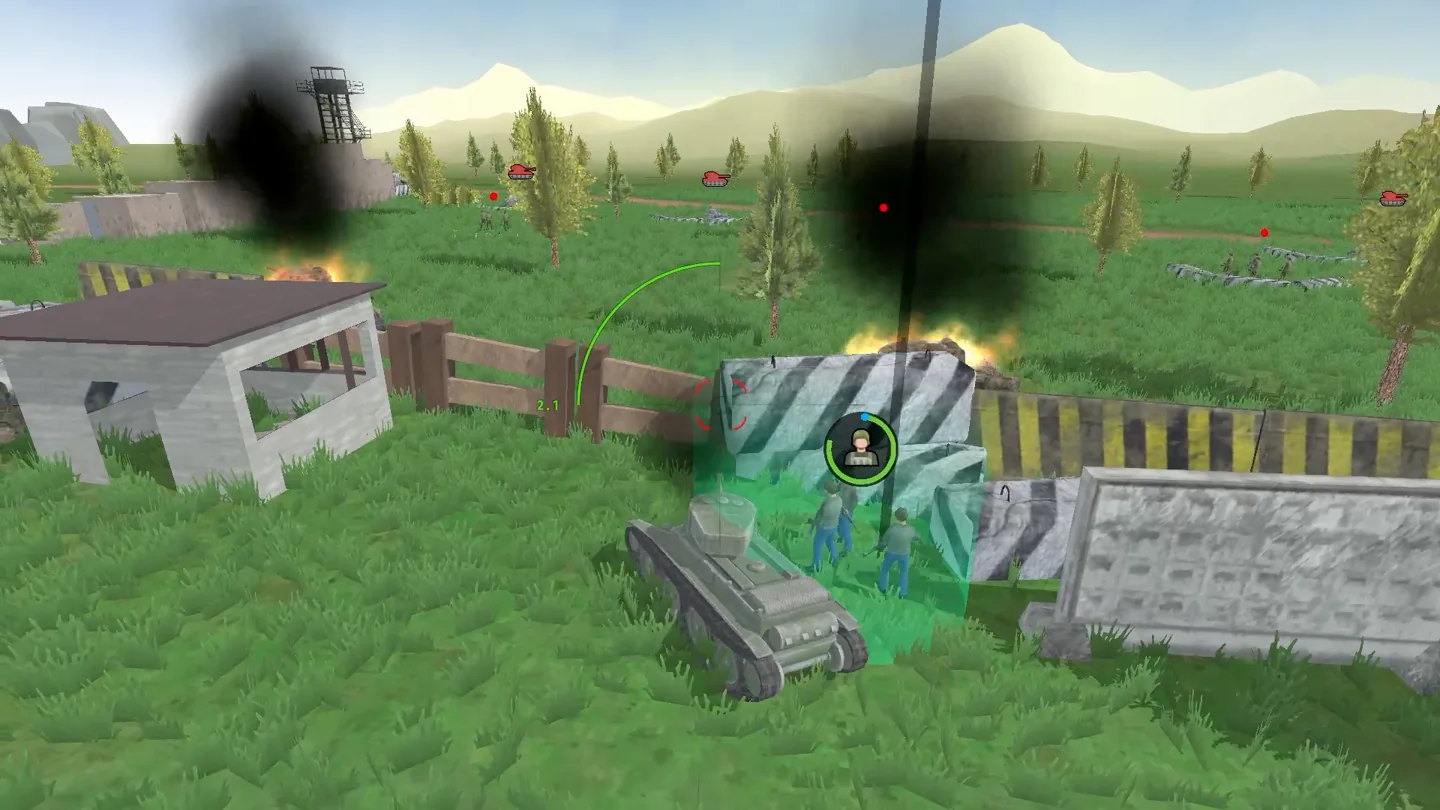
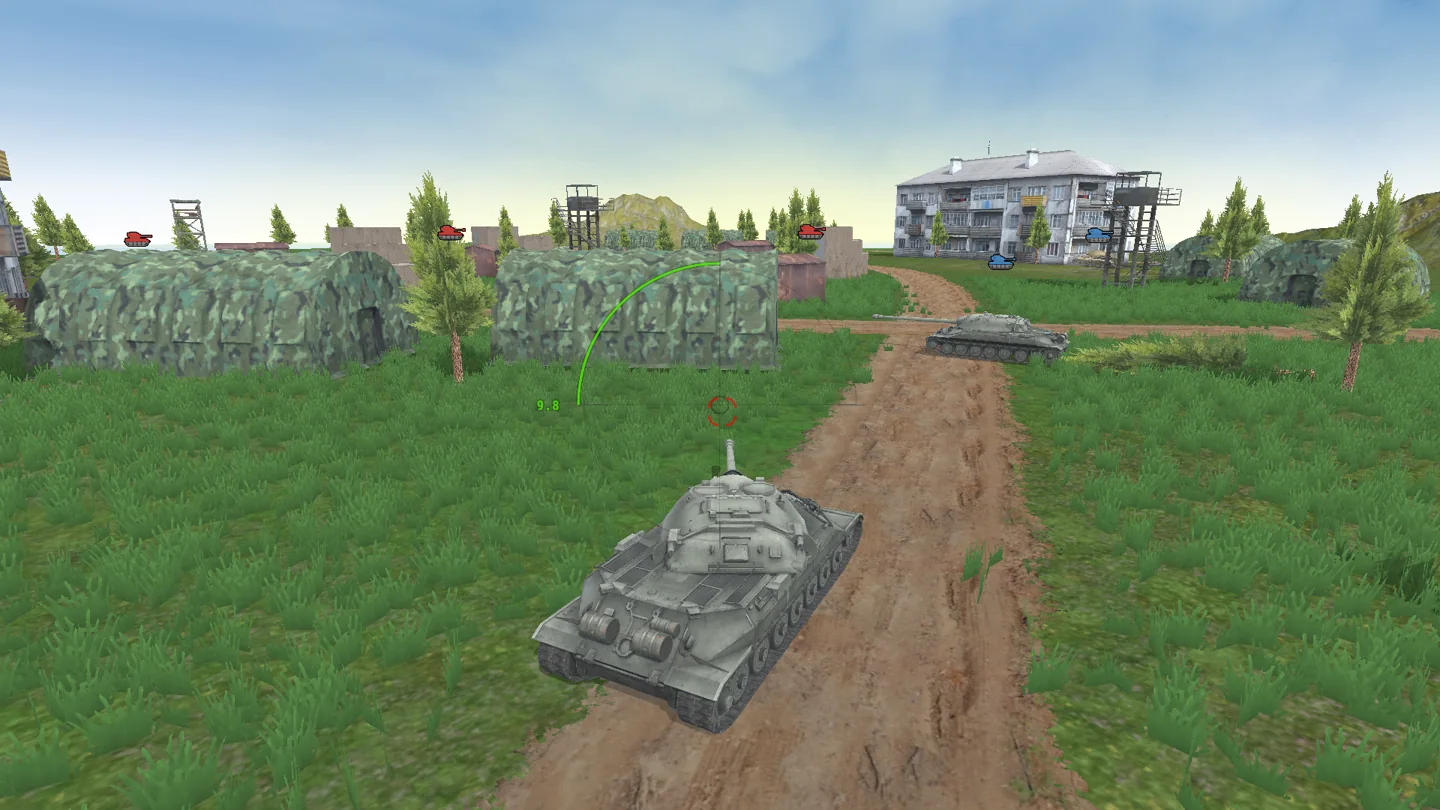
The battlefield is shown in 3D, with the camera looking over the vehicle. In the official screenshots, a road passes a checkpoint and watchtower before opening onto grassy terrain. Those landmarks are helpful when you are learning the controls: steer toward something easy to recognize, stop, and try the aiming input. You can use a keyboard for the whole sequence on PC or split driving and firing between a joystick and buttons on a phone.
02 / Field instructions
How to Play The World of Steel: Tank Wars
- 01
Start the commander's story
Enter the first mission with the basic tank and read the assignment. Story progress follows the missions, so keep the current task in mind as you explore.
- 02
Get comfortable with the starter tank
Drive using WASD or the arrow keys. On a mobile browser, use the on-screen joystick and take a moment to locate the separate aim and fire buttons.
- 03
Use the aiming input
On PC, press F or use the right mouse button to aim. Fire with Space or the left mouse button. Try both control layouts to find which feels more comfortable.
- 04
Review your crew and vehicle
After a mission, check the progression options for the tank and crew before continuing the story. Watch the commander's rank as you advance.
03 / Controls
Controls
Use the verified inputs below for this browser version.
Use the joystick to drive and the separate on-screen buttons to aim and shoot. Hold the phone or tablet in landscape orientation to see the mission area alongside the controls.
04 / Player fit
The World of Steel: Tank Wars for Campaign Players
- Players who like a mystery to connect one tank mission to the next.
- Campaign fans who want to develop a crew alongside their vehicle.
- Laptop players looking for a tank game with keyboard alternatives for aiming and firing.
The next assignment gives a returning player a concrete starting point. A mission and a visit to the upgrade screens make a natural stopping point between parts of the story.
05 / Tactical notes
The World of Steel: Tank Wars Tips
- 1Read the assignment before moving away from the starting area. Defeating an enemy and advancing the current story objective may be different tasks.
- 2If a trackpad makes aiming awkward, try F and Space. Both actions have a documented keyboard input.
- 3Look at the crew as well as the tank when reviewing progression. The campaign includes improvements for both.
- 4Use a landmark such as the checkpoint or a building to keep your bearings when turning the camera view toward an opponent.
Ready when you are
Play The World of Steel: Tank Wars Online for Free
Play The World of Steel: Tank Wars online for free from the game player on this page. There is no separate client to install. On a desktop computer, choose between arrow-key or WASD movement and either keyboard or mouse combat inputs. On a supported mobile browser, the game supplies a touch joystick and aim and fire buttons. The short preview shows the camera perspective before you start the commander's first assignment.