01 / Mission brief
About Operation Tank War
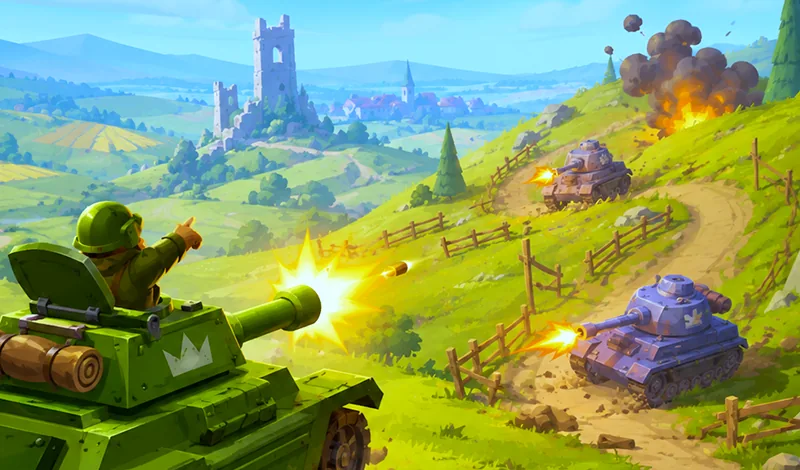
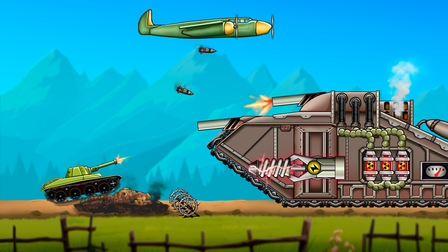
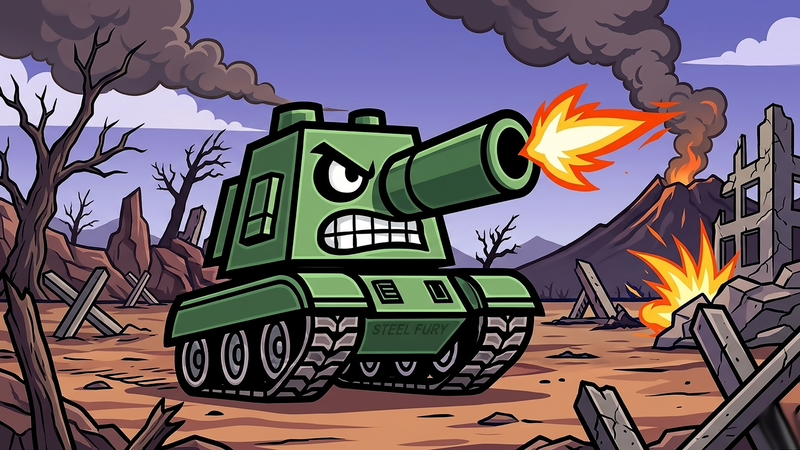
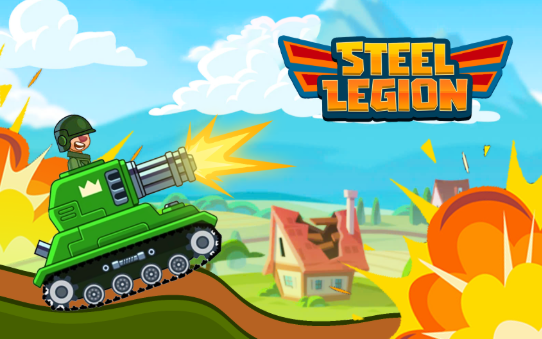
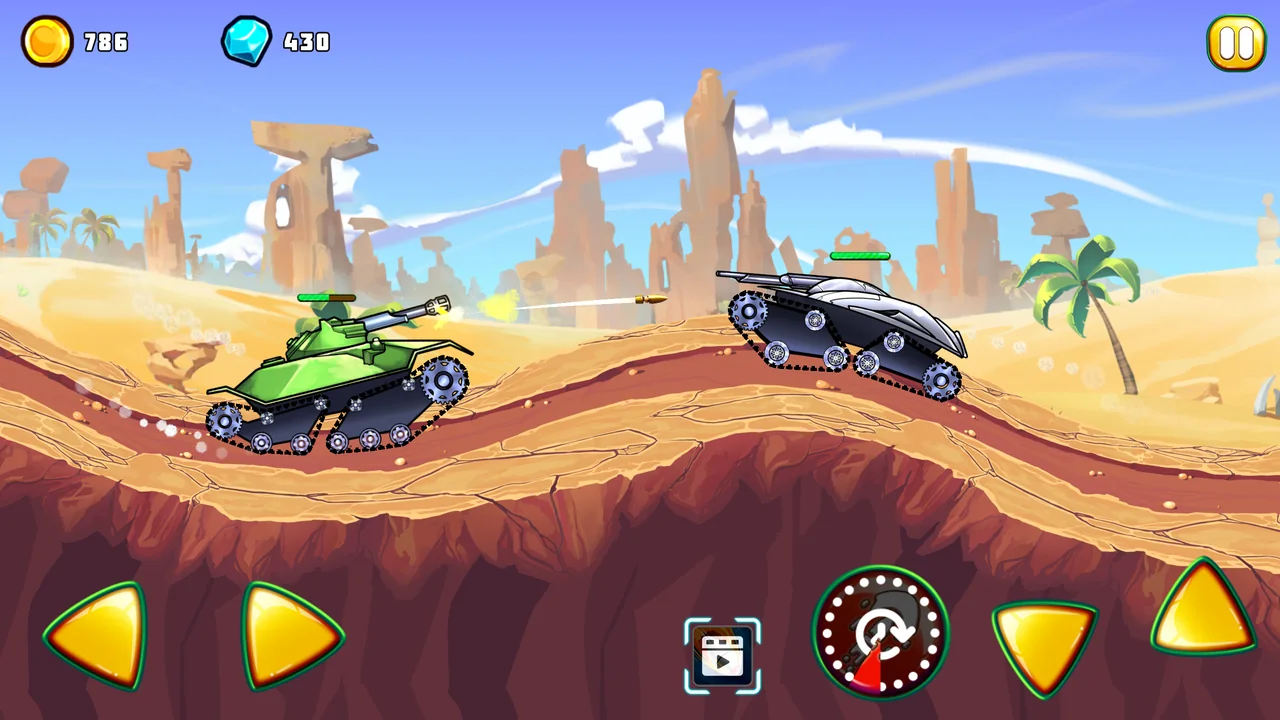
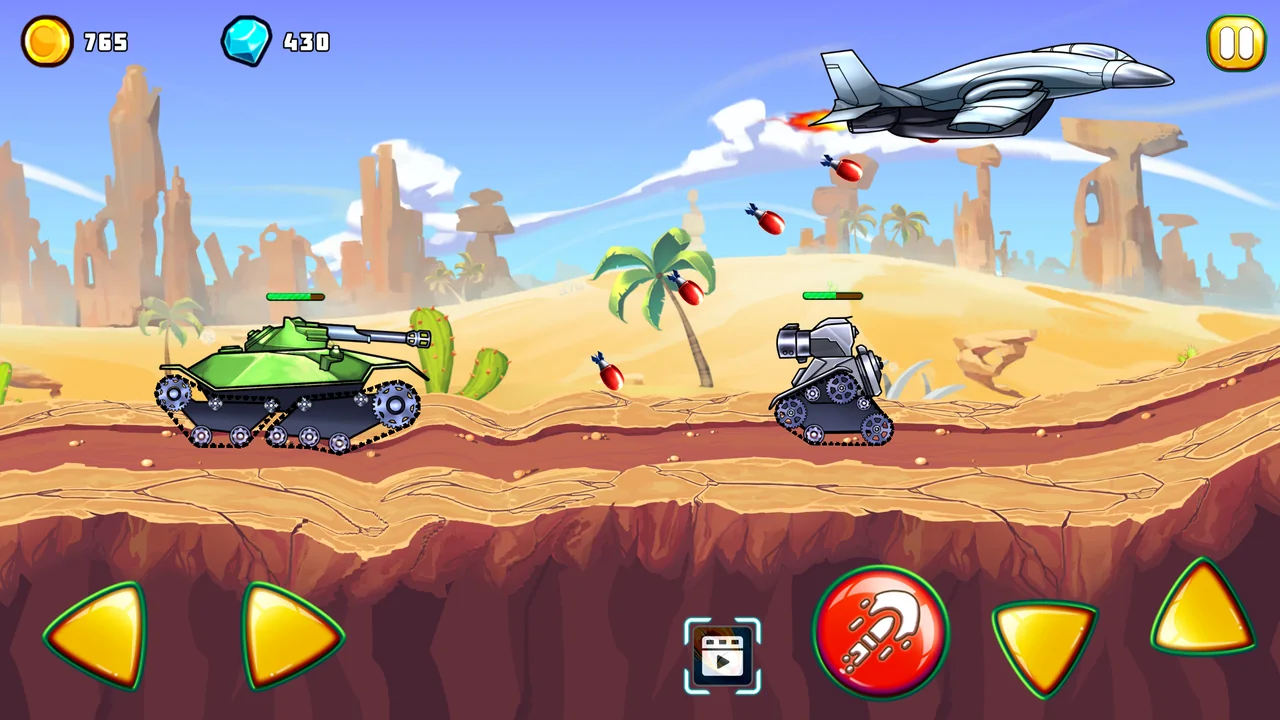
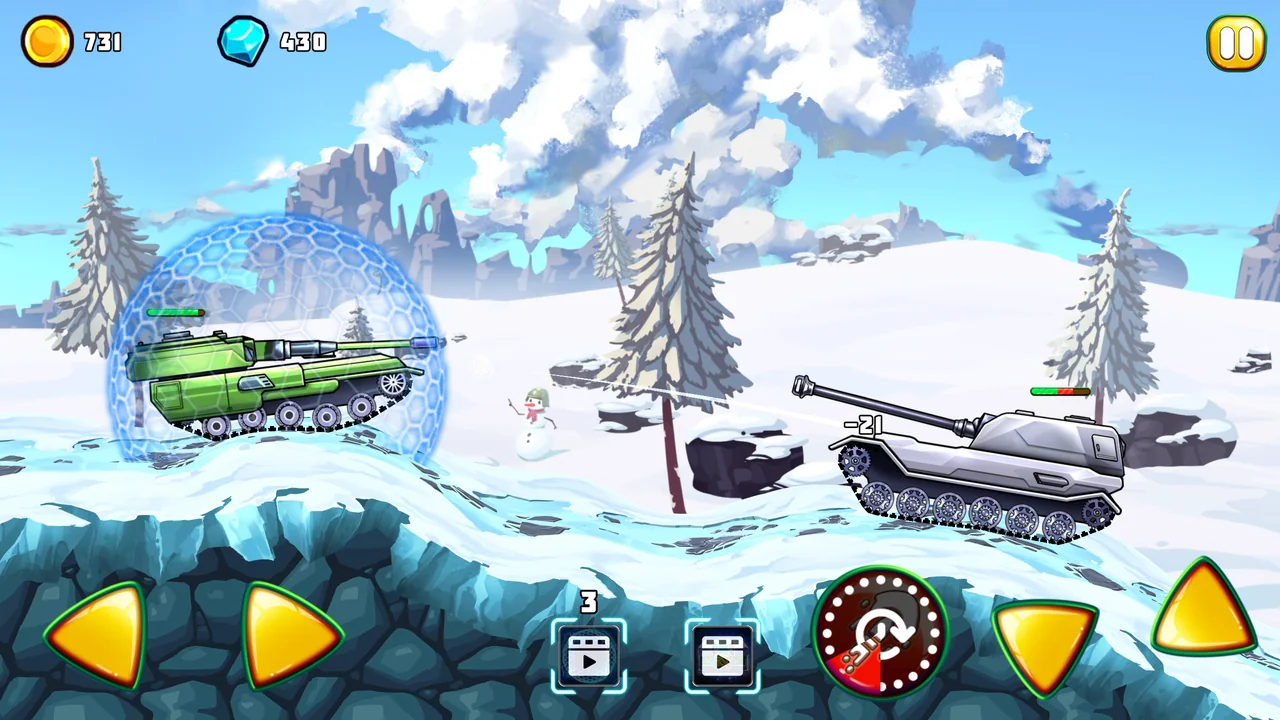
Operation Tank War starts with one tank and a side-on view of the road. The tracks follow the contour of the ground, so a shot from the bottom of a dip lines up differently from one fired at the top. The stages move through fields, forests and desert terrain, with enemy tanks along the route.
A completed level pays out two kinds of reward. Coins buy equipment and improve the vehicle you already own. Experience raises your character level and opens up more tanks. The garage gives you a reason to look at both totals after a run.
02 / Field instructions
How to Play Operation Tank War
- 01
Roll out in the starter tank
Enter a stage with the available tank. Use the arrow keys or WASD to drive along the side-scrolling battlefield.
- 02
Time the shot
Watch the slope and the opposing tank in the side view. Fire with Space or the left mouse button when the barrel lines up.
- 03
Spend the stage rewards
Review the coins and experience from the level. Check the garage for upgrades you can afford and vehicles your character level has unlocked.
03 / Controls
Controls
Use the verified inputs below for this browser version.
On a phone or tablet, turn the screen sideways. The game displays touch arrows along the bottom edge and a separate firing control beside them.
04 / Player fit
Who Will Enjoy Operation Tank War?
- Arcade players who like aiming across hills in a side view.
- Players who enjoy building up a garage one stage at a time.
Finishing a stage and choosing what to do with its coins makes a convenient stopping point.
05 / Tactical notes
Operation Tank War Tips
- 1Try Space if you want to play a desktop stage entirely on the keyboard.
- 2If a shot passes overhead, watch how the hull tilts as you drive down the slope.
- 3Check your character level as well as your coin balance when looking for a new tank.
Ready when you are
Play Operation Tank War Online for Free
Start Operation Tank War for free on this page with no separate client to install. The desktop version supports keyboard-only play, and the landscape mobile layout leaves the battlefield visible above the touch controls.