01 / Mission brief
About Red and Blue Leader 2
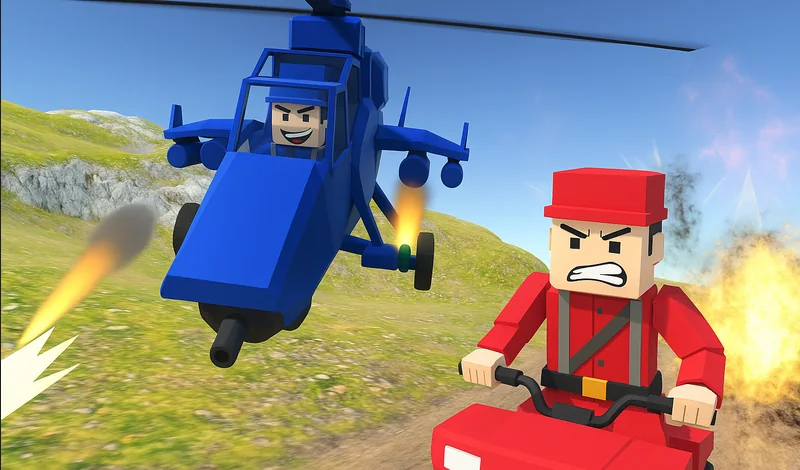
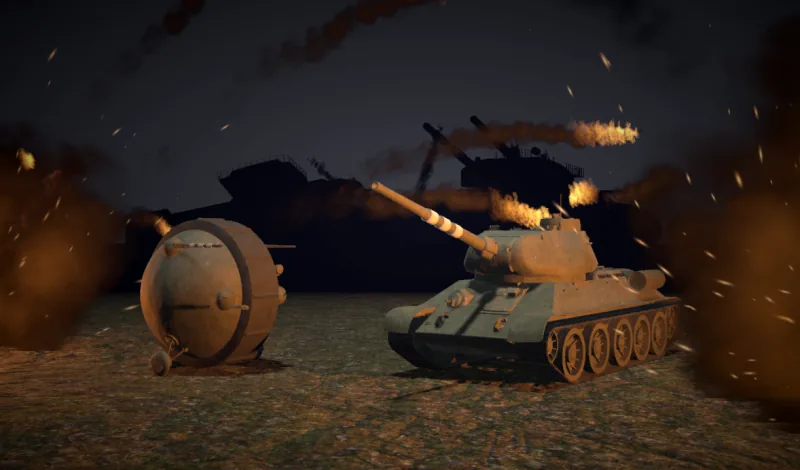
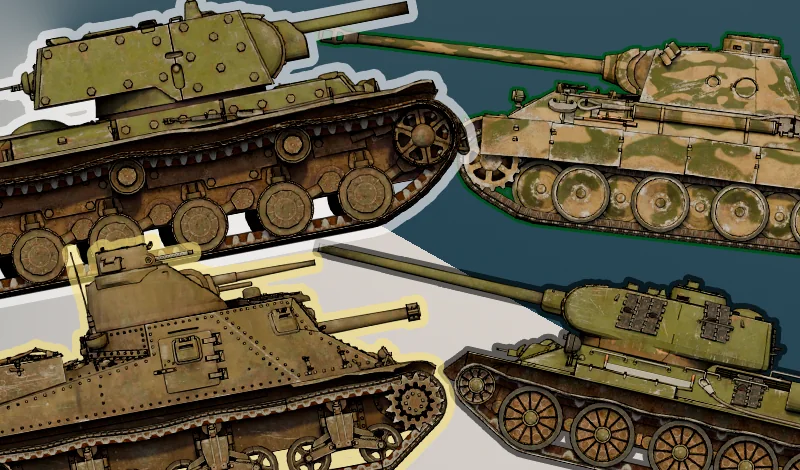
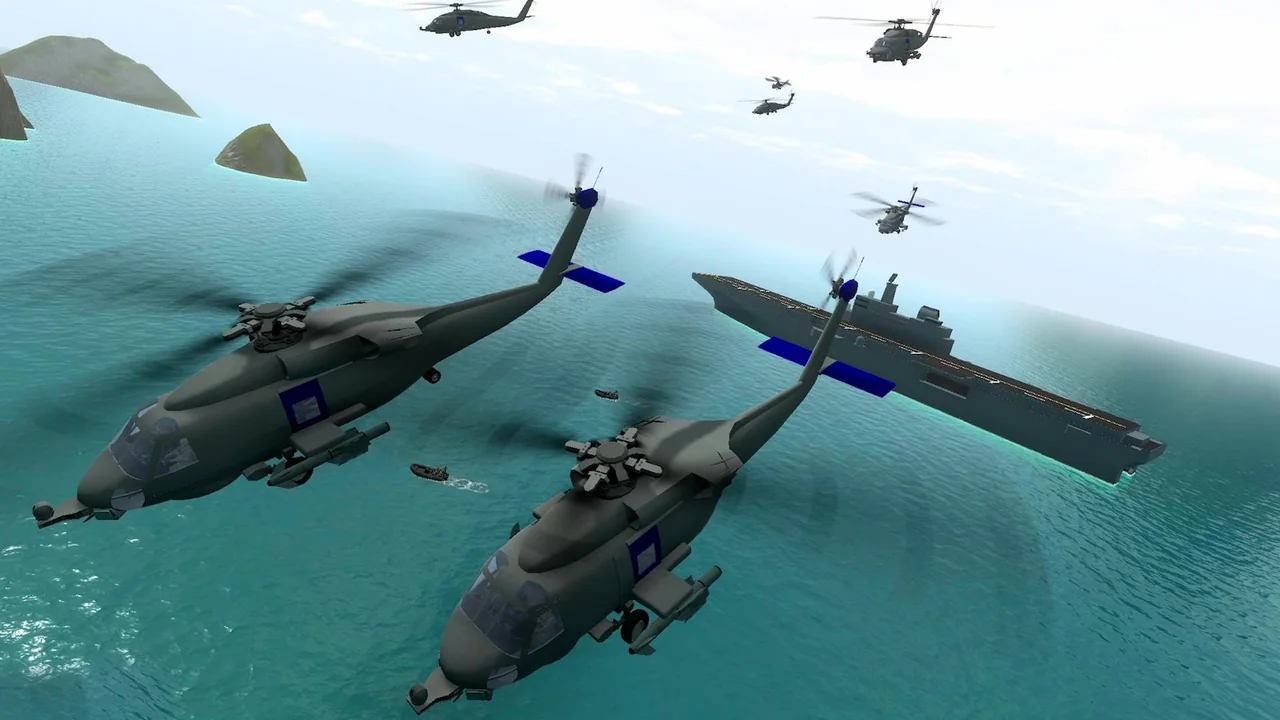
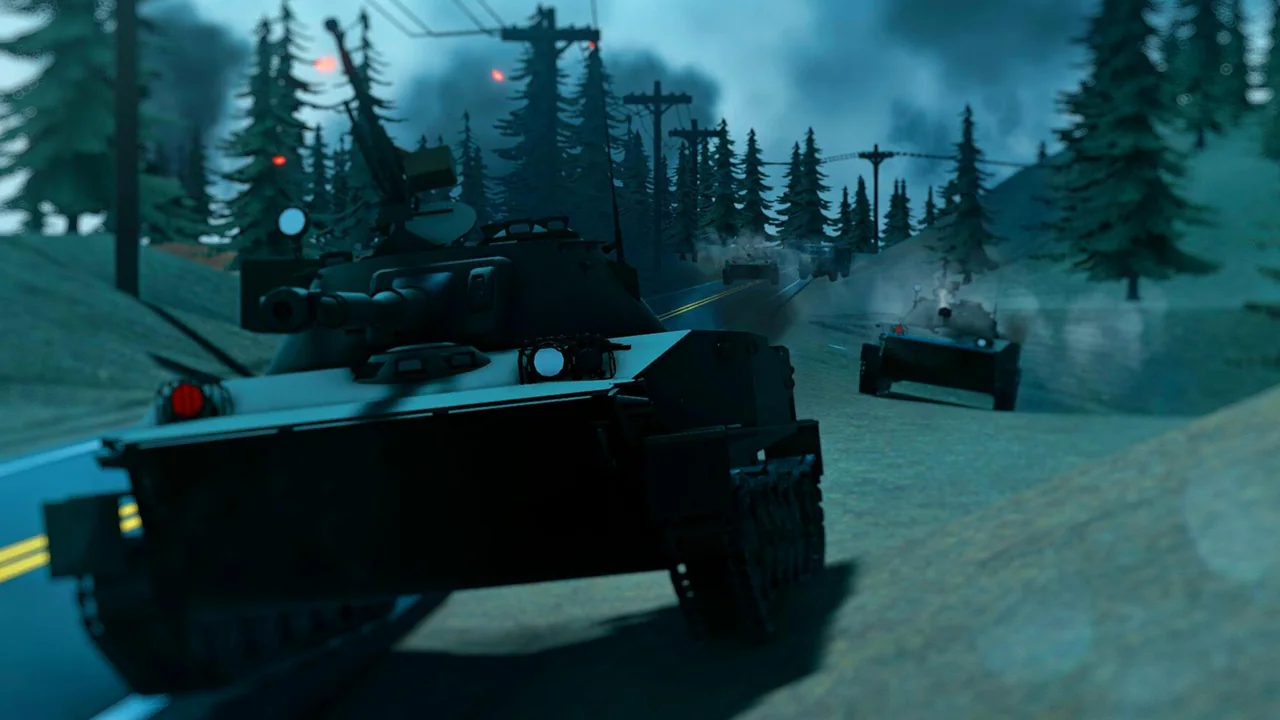
In Red and Blue Leader 2, you decide what goes on the map before you ever pick a side. Choose the setting, the vehicles available to each army and the kind of battle you want. A round played on foot feels quite different when you bring tanks or aircraft into the same scenario.
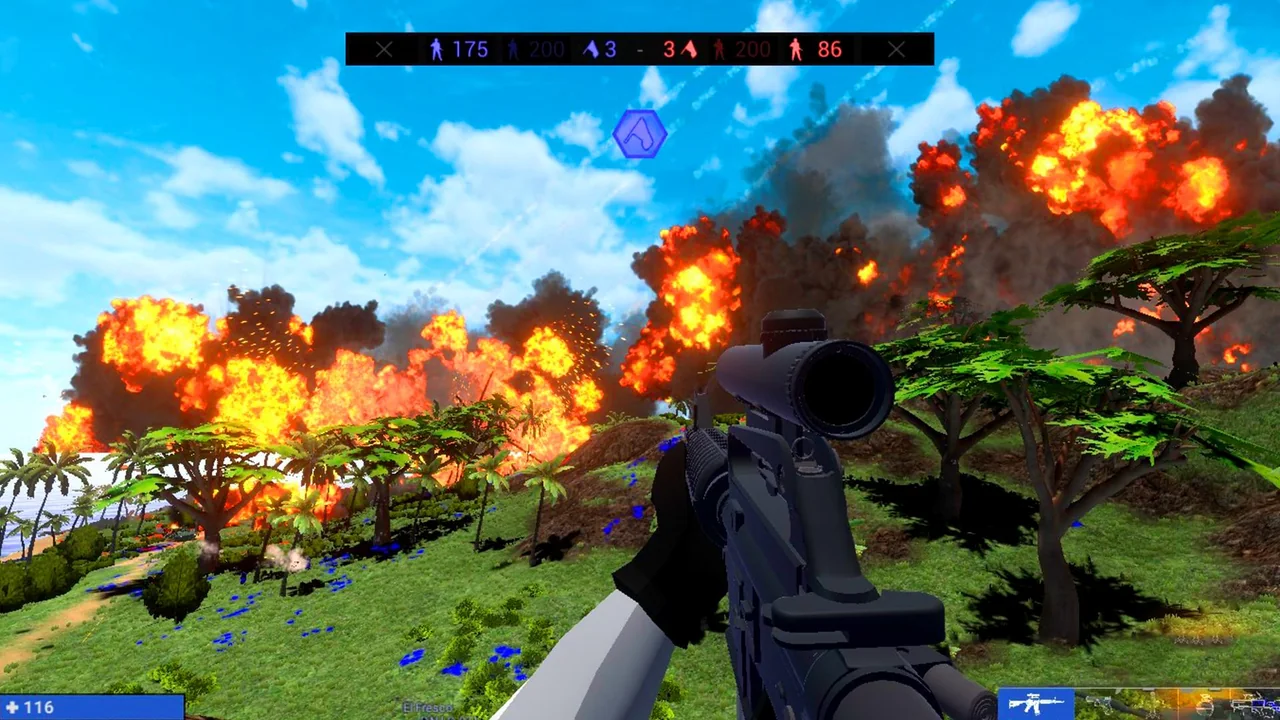
Flags change where the next part of the match takes place. Taking a flag earns points for your side, raises its score multiplier and opens a spawn point. Press L to see your weapon and spawn choices after the front moves. The red and blue uniforms help you spot which side holds the ground around a flag.
02 / Field instructions
How to Play Red and Blue Leader 2
- 01
Set up a scenario
Choose a map and a mode. Try the default equipment first or use mods to change the vehicles, uniforms and weapons in the match.
- 02
Choose a role
Enter the scenario as infantry, a tank commander or a pilot. Use the weapons and spawn menu to review the available choices.
- 03
Take a flag
Watch the team score as flags change hands. A newly captured point also gives your side another place to enter the map.
03 / Controls
Controls
Use the verified inputs below for this browser version.
Playhop lists landscape play on iOS and Android. Its published control guide covers the keyboard and mouse. Check the in-game prompts for the layout on your device.
04 / Player fit
Who Will Enjoy Red and Blue Leader 2?
- Players who enjoy building their own scenarios.
- Tank drivers who also want to try infantry or aircraft on the same map.
For a short session, start with a preset battle. The scenario settings are there when you have time to experiment.
05 / Tactical notes
Red and Blue Leader 2 Tips
- 1Change one scenario setting between matches so you can see what it does.
- 2Open L after capturing a flag to see your new spawn choices.
- 3Try G near a friendly unit when you want company on the way to an objective.
Ready when you are
Play Red and Blue Leader 2 Online for Free
Press Play to open Red and Blue Leader 2 for free in the browser. A desktop keyboard gives you direct access to both the squad command and the spawn menu.