
01 / Mission brief
About Battlefeel
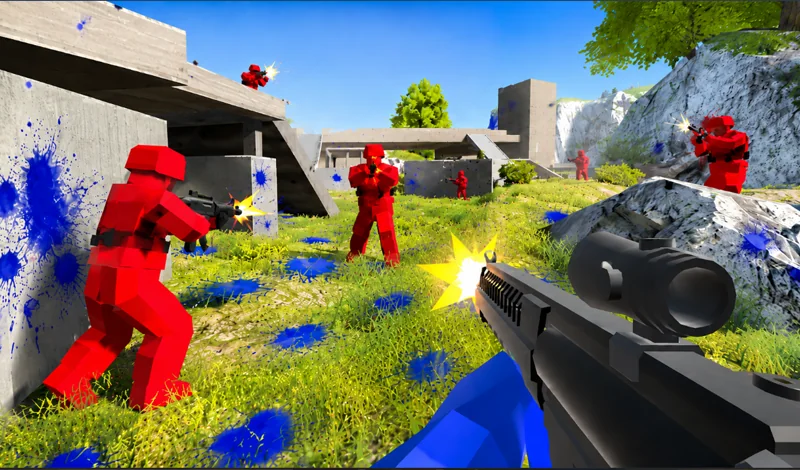
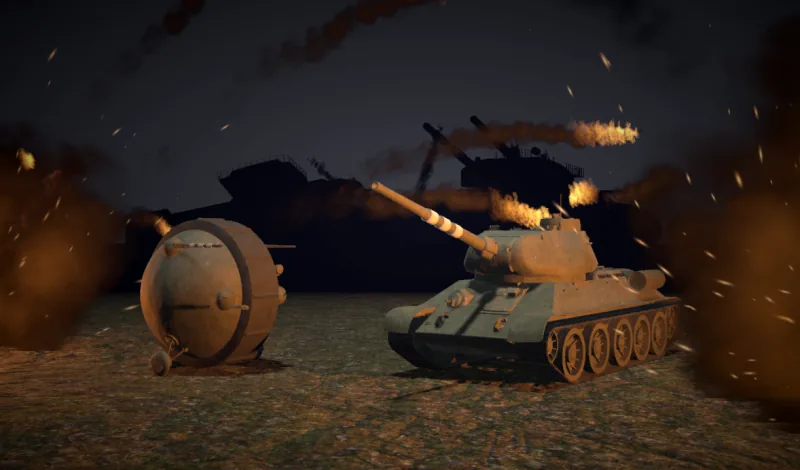
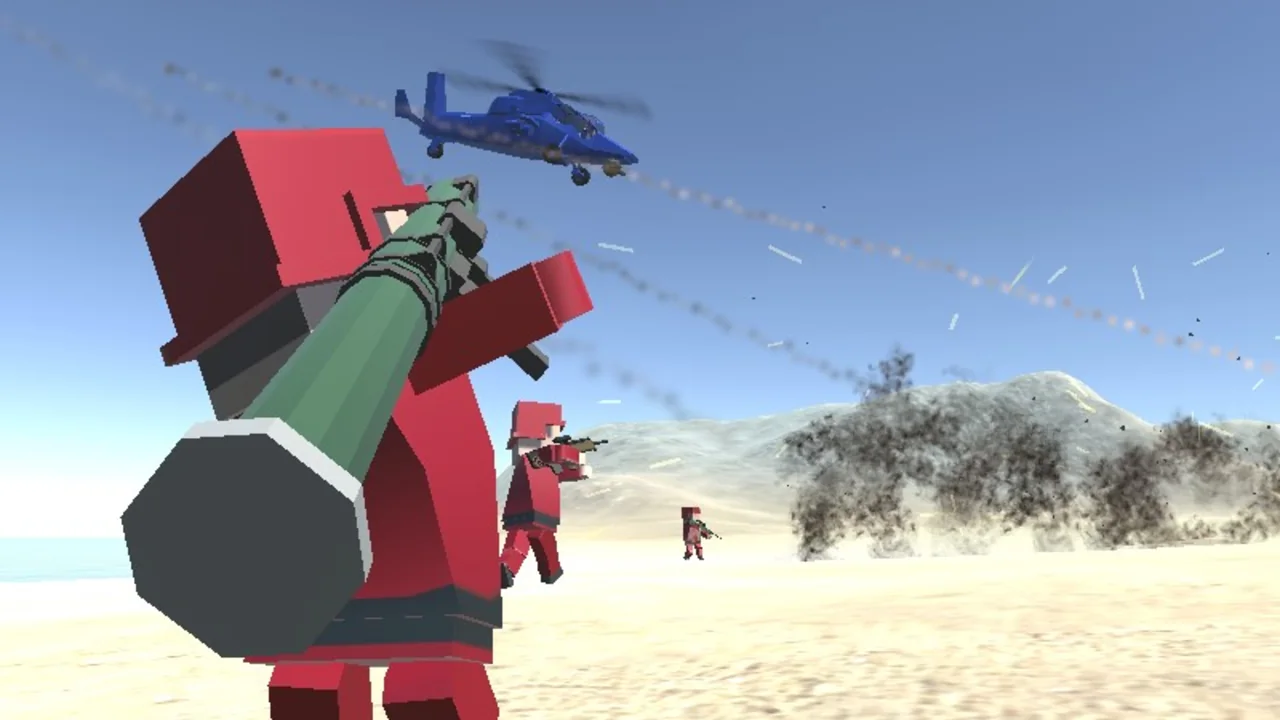
Battlefeel puts two color-coded teams on a 3D map with bases to contest. You start with the options available in your arsenal and earn experience in battle. Taking a base helps your side and moves you closer to unlocking more weapons and vehicles.
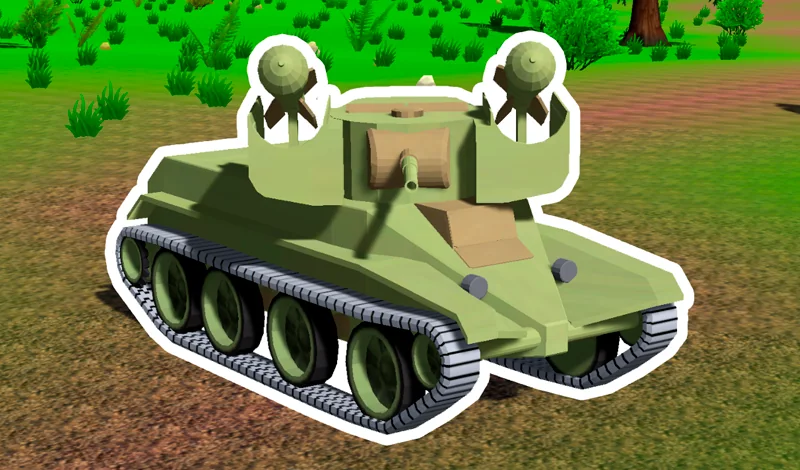
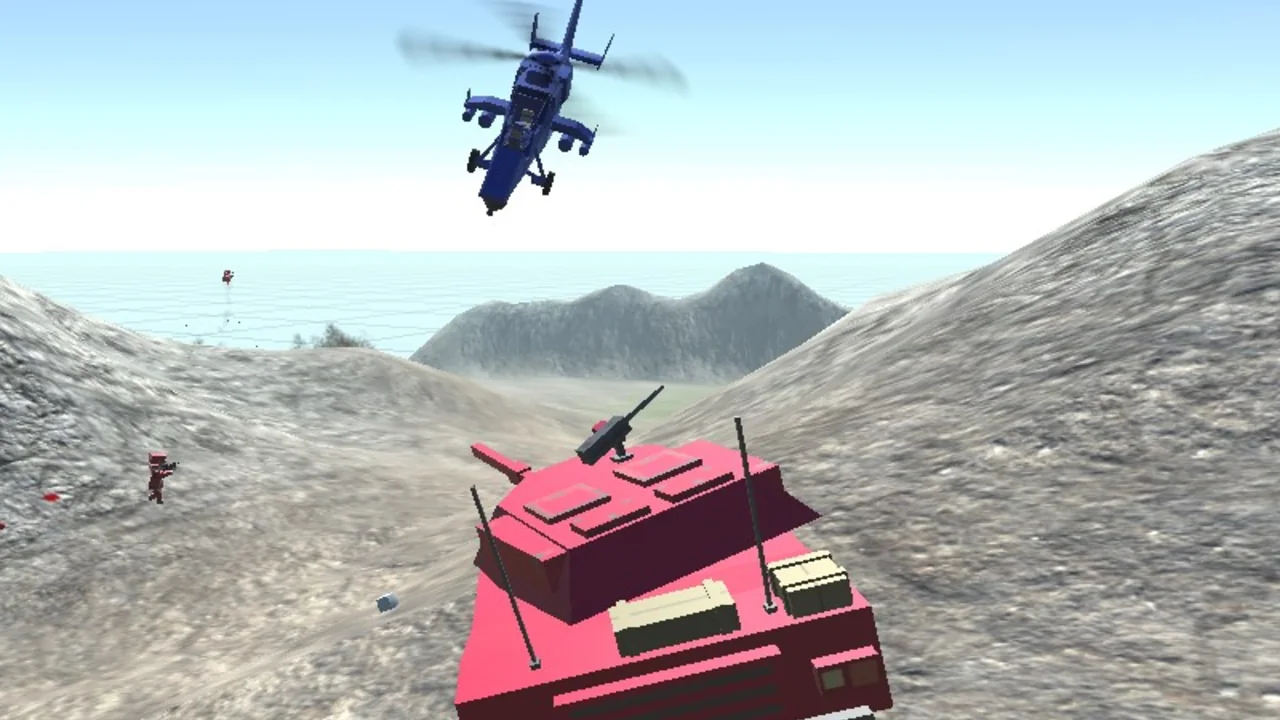
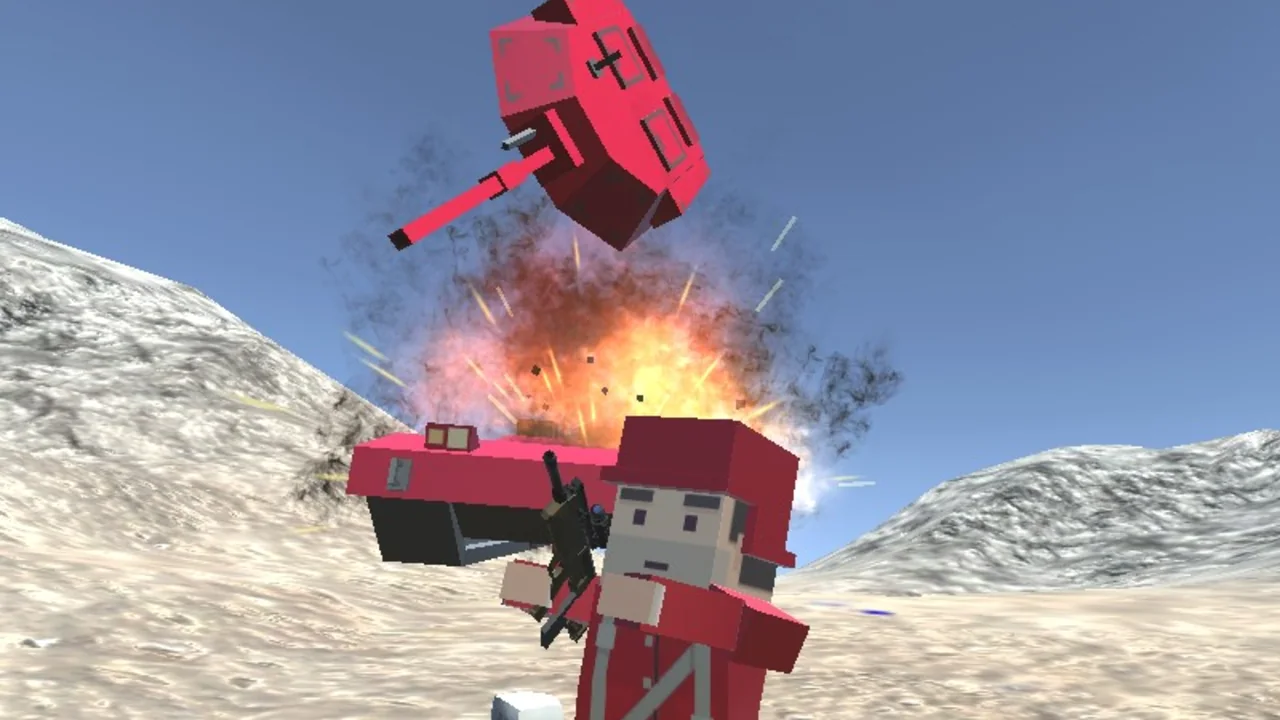
On foot, the first-person view keeps the action close. A jeep or quad bike gives you a way across the map, a tank puts you in armor, and a helicopter takes the fight into the air. Entering a vehicle and choosing a seat are separate commands, so it is worth learning both before your first ride.
02 / Field instructions
How to Play Battlefeel
- 01
Pick a side
Join red or blue. Open the arsenal with Enter to see which items your rank makes available.
- 02
Find a base
Follow your allies to a stronghold and help capture it. Press Tab to see how the battle is going.
- 03
Take a ride
Press F beside a vehicle to board it. Number keys 1 through 3 switch seats while you are inside.
- 04
Check your unlocks
As you earn experience, revisit the arsenal to see which weapons and vehicles have become available.
03 / Controls
Controls
Use the verified inputs below for this browser version.
04 / Player fit
Battlefeel for Vehicle and Objective Players
- Players who prefer a base to capture over an open-ended shooting range.
- Desktop players who like changing roles between infantry, tank crew and helicopter pilot.
If you have time for a single objective, pick one base and check the statistics once it changes hands.
05 / Tactical notes
Battlefeel Tips
- 1The number keys change meaning when you board a vehicle. Use them for weapons on foot and seats in transport.
- 2Press Enter to inspect the arsenal and Tab for the scoreboard.
- 3In the helicopter, W and S control height. Use the mouse to change the direction the nose points.
Ready when you are
Play Battlefeel Online for Free
Battlefeel runs free in a desktop browser with a keyboard and mouse. Press Play on this page to load the game, then choose a team. Playhop lists this version for desktop computers only.