
01 / Mission brief
About Iron Legion
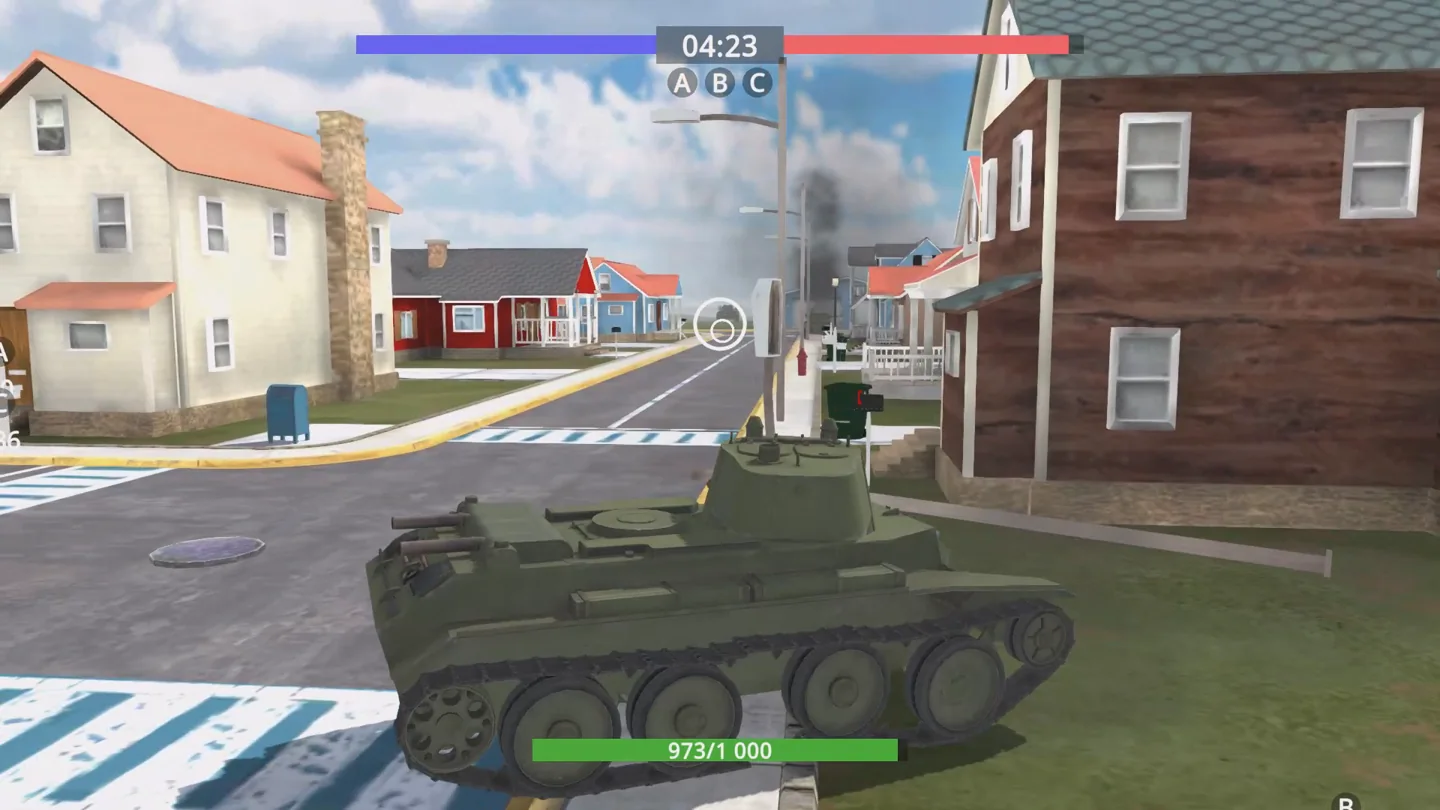
Iron Legion puts you in a modern tank on a 3D battlefield shared with other players. The vehicle moves under keyboard control while the mouse turns your view. That split matters on the town map: you can look down a side street as you pass its entrance without pointing the hull down that street. The team bars and objective markers give you a way to follow the wider match even when the nearest building fills the screen.
The roster includes more than ten models, ranging from light scouts to heavy assault vehicles. Choose one and spend a little time learning how it responds to steering and how far the camera can see around it. The game pairs its damage system with vehicle upgrades. Returning to a familiar model after an upgrade gives you a better sense of what changed than switching both the tank and the upgrade at once.
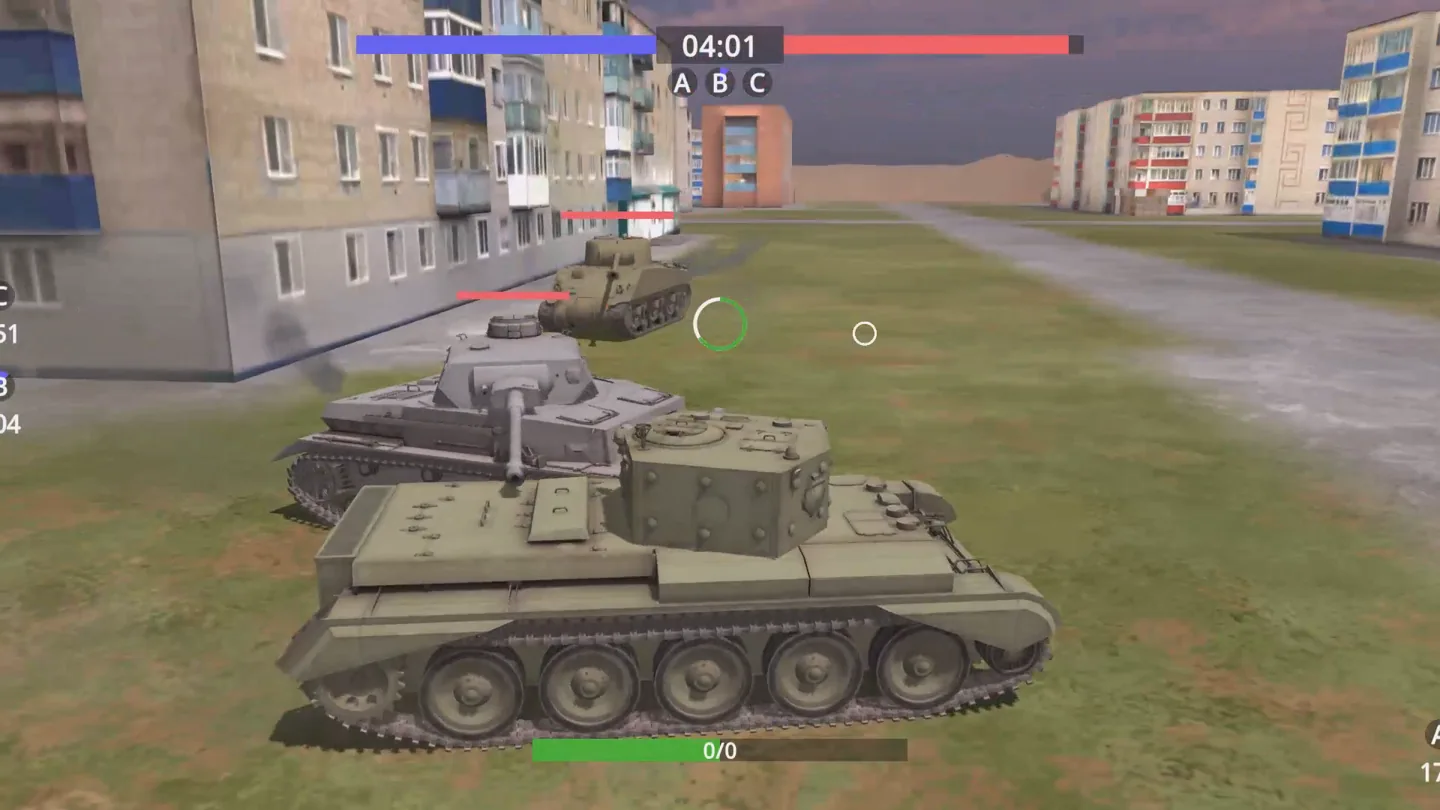
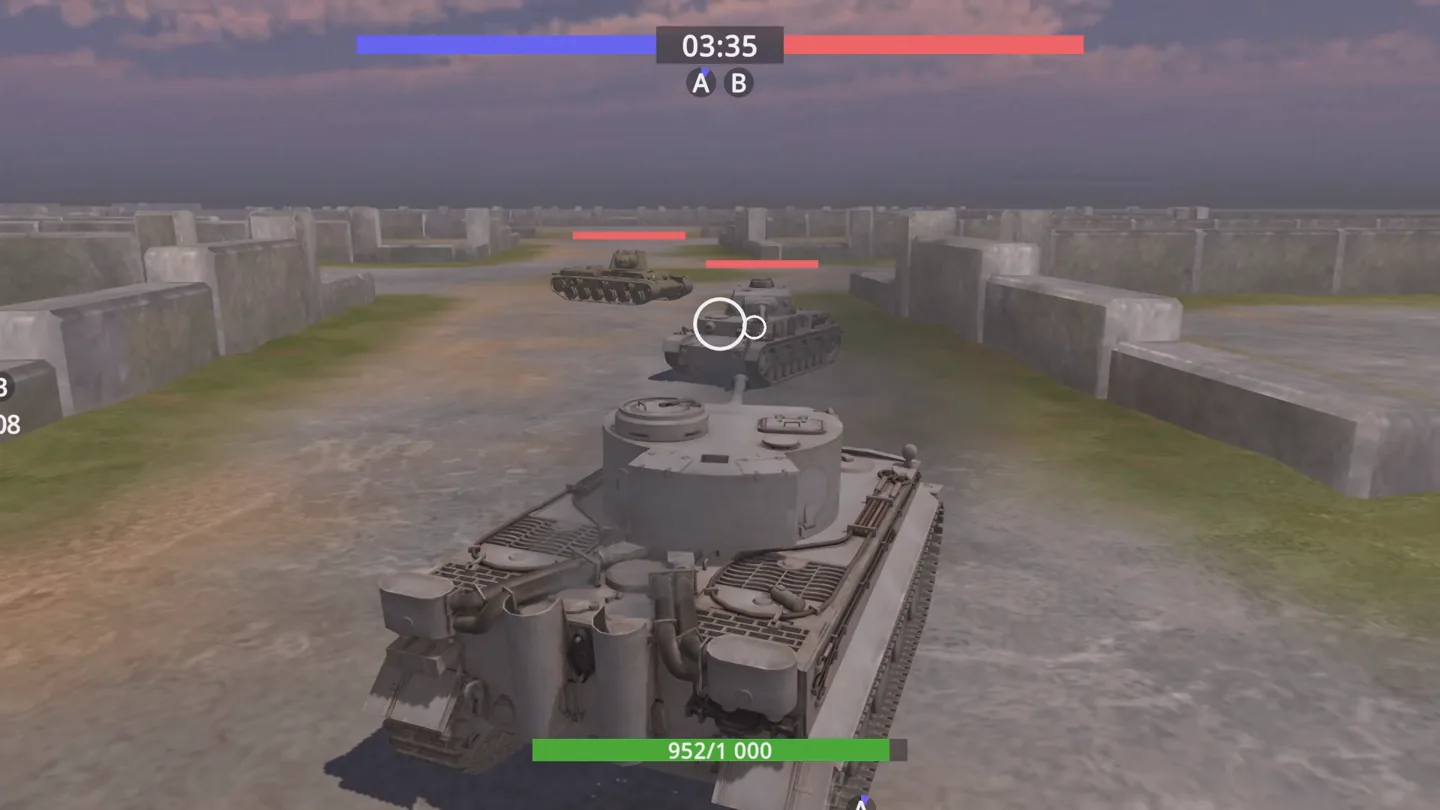
The developer describes real-time team battles for up to 20 players, with missions and objectives across different landscapes. The number is a battle capacity, so check the current match for the players actually present. The screenshots show what to look for when you join: opposing team colors across the top, letters marking objectives, and health information near the player's tank.
02 / Field instructions
How to Play Iron Legion
- 01
Choose an Iron Legion tank
Pick a model from the available roster. Use the same tank for your first few drives so that changing streets, camera angles, and opponents are the main variables.
- 02
Read the match display
Find your team's color, the objective indicators, and your own health. Look for the current mission before following other tanks away from the starting area.
- 03
Drive and turn the camera
Use WASD to move and the mouse to look around. Try turning the view toward a landmark while continuing along the road, then bring it back in line with the tank.
- 04
Aim, fire, and recheck the objective
Use the right mouse button to aim and left click to fire. Check the team display again when an encounter ends so you know where the match is heading.
03 / Controls
Controls
Use the verified inputs below for this browser version.
Playhop lists Android and iOS browser support and a landscape layout. Its control guide documents keyboard and mouse inputs only. Check the in-game controls on your device before entering a match.
04 / Player fit
Who Will Enjoy Iron Legion?
- Players who want real-time team tank battles with shared objectives.
- Drivers who enjoy freely turning a third-person camera while moving through a 3D map.
- Tank collectors interested in comparing scouts and heavy assault vehicles.
A team match is a natural unit of play. If you have only a moment, watch the preview to see the HUD and camera before joining other players.
05 / Tactical notes
Iron Legion Tips
- 1Use the colored team bars as a quick reference when the streets look similar. The objective letters below them are easier to spot once you know where to look.
- 2Practice the difference between moving the mouse and pressing the aim button. One changes the view and the other activates the aiming input.
- 3Try another class on a map you already recognize. Keeping the route familiar makes differences in the vehicles easier to notice.
- 4Read the current mission after joining. A nearby enemy marker alone does not tell you which objective your team is playing.
Ready when you are
Play Iron Legion Online for Free
Use Play to join the free browser version of Iron Legion. A desktop or laptop with a mouse gives you the documented camera, aim, and fire controls without installing a separate game client. The online team mode needs a connection throughout the match. If you are comparing games before joining, the official video shows how much of the screen the tank occupies and where the team and objective indicators sit.