01 / Mission brief
About MechaBlocks
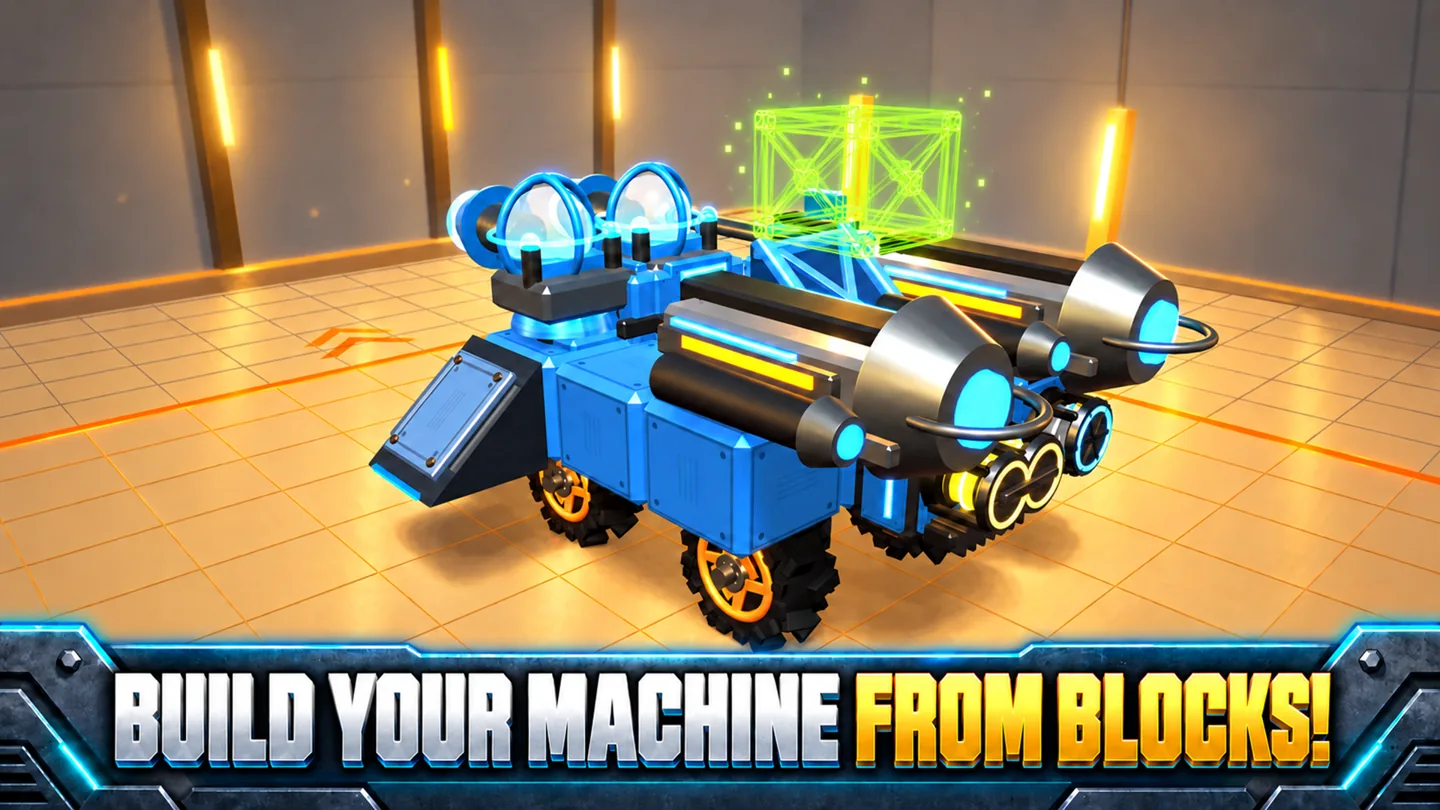
In MechaBlocks, the vehicle you drive is the one you put together in the garage. Start with a cabin, attach wheels and armor, and decide where the weapons, generators, and boosters belong. A design can look ready for the arena and still handle poorly on the testing ground. Weight affects acceleration, the placement of parts affects balance, and the available energy limits what your equipment can do.
The testing ground gives you somewhere to investigate a handling problem before meeting an opponent. Try a straight run, a turn, and a burst of fire. If adding a weapon made the machine sluggish, check the weight and energy readouts before spending credits on another part. Save a build you like as a template so you have something familiar to compare with your next experiment.
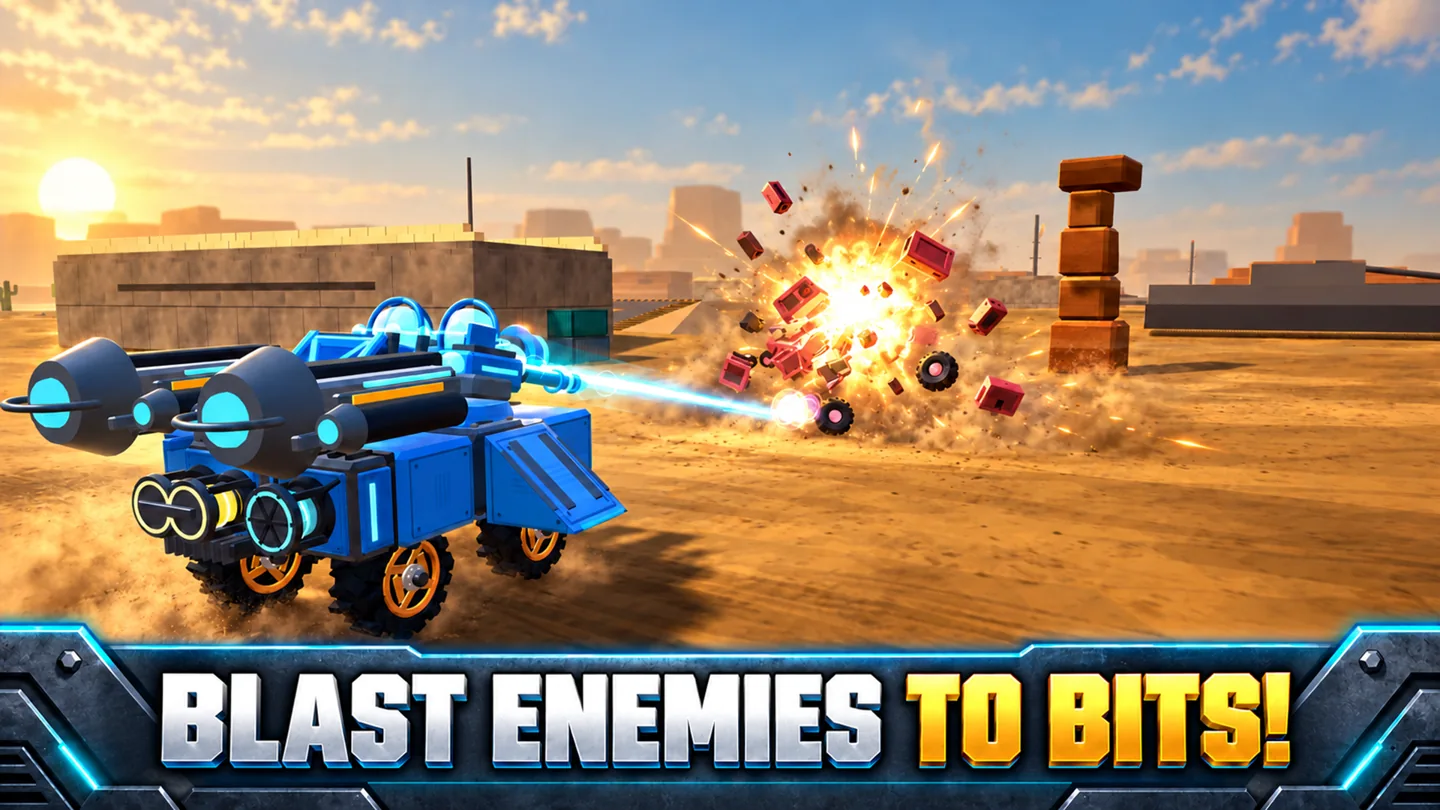
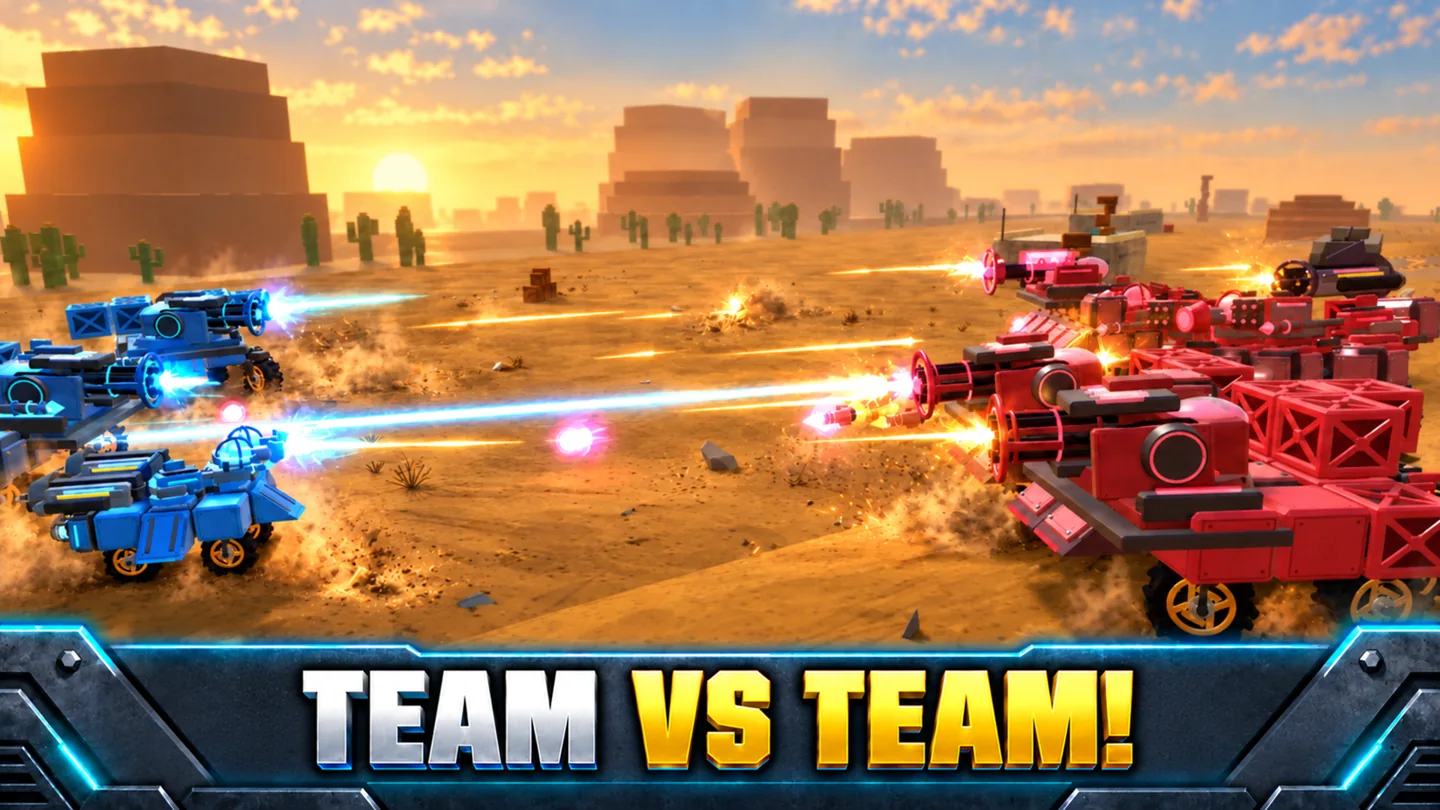
Embro's vehicle builder also has arena battles, team modes, and hex survival. Fighting earns experience and credits that open more of the arena and garage. Lasers, rockets, plasma guns, and railguns offer different reasons to revisit a design. A machine built to carry a favorite weapon can feel quite different from one built to close the distance with a booster.
02 / Field instructions
How to Play MechaBlocks
- 01
Assemble a working chassis
Choose a cabin and attach parts in the garage. Rotate a selected part with R and use X for symmetry when you want the two sides to match.
- 02
Drive the build on the testing ground
Check acceleration, steering, and firing. Compare how the vehicle handles before and after adding a heavy component.
- 03
Enter an arena
Steer with WASD, follow a target with the mouse, and click to fire. With a booster fitted, press Shift when you want a burst of speed.
- 04
Save and revise the design
Use battle earnings for new parts. Save the existing vehicle as a template before trying a different weapon or changing the layout of the wheels.
03 / Controls
Controls
Use the verified inputs below for this browser version.
Use the garage buttons to rotate pieces or enable symmetry. In battle, steer with the virtual joystick, aim by touch, and tap Fire. Use the boost button when your build includes boosters.
04 / Player fit
MechaBlocks for Builders and Arena Drivers
- Players who enjoy tracing a handling problem back to a specific design choice.
- Vehicle builders who want a testing ground and saved templates for comparing designs.
- Arena players who want to choose the machine's parts as well as its weapons.
You can spend a short session on a single test: fit one booster, drive the same stretch twice, and decide whether it earns its place on the chassis.
05 / Tactical notes
MechaBlocks Tips
- 1Save your first reliable build before experimenting. A familiar template makes a useful starting point when a heavier design becomes difficult to drive.
- 2Look at the energy readout after installing equipment. More pieces can increase demand beyond what the generators can supply.
- 3Use symmetry to place matching parts, then check the overall balance once the weapon is mounted.
- 4Practice steering while boosted on the testing ground. The extra speed also changes how soon you need to turn.
Ready when you are
Play MechaBlocks Online for Free
Play MechaBlocks online for free in the browser. The PC version pairs keyboard driving with mouse aiming and has two garage shortcuts for placing parts. The mobile version uses a joystick and separate build, fire, and boost buttons. A larger display gives you more room to inspect a crowded chassis, while landscape touch controls let you take a saved design into an arena on a supported phone or tablet.