01 / Mission brief
About War Tanker
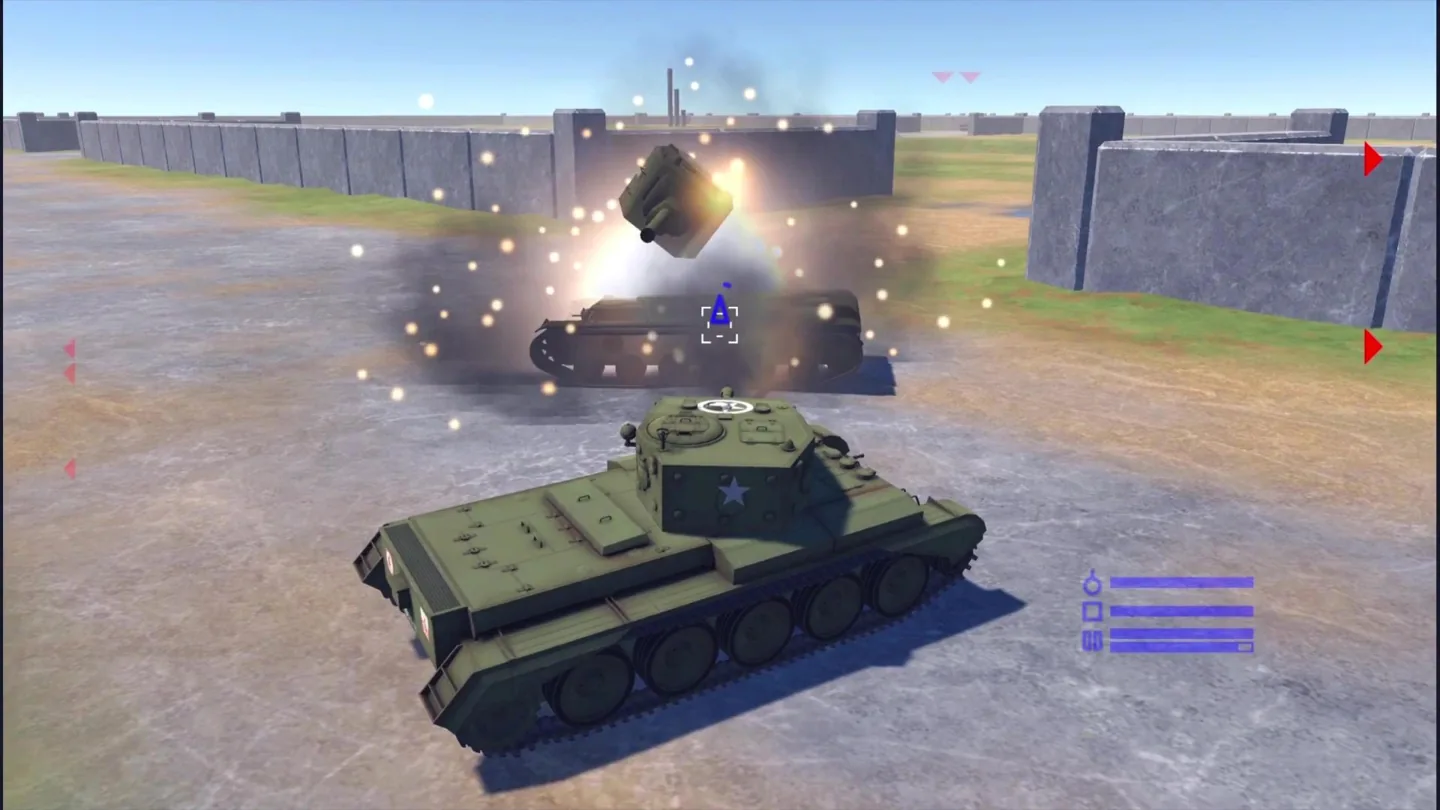
War Tanker is a three-dimensional armored combat game from VSEGON that combines direct driving and aiming with configurable battles. Before entering a mission, you can adjust damage and the enemy and allied tanks, then inspect the battlefield from the briefing. That preparation gives you a way to explore different encounters instead of approaching every match with exactly the same setup. The game runs online in a browser and is free to start without downloading a standalone client.
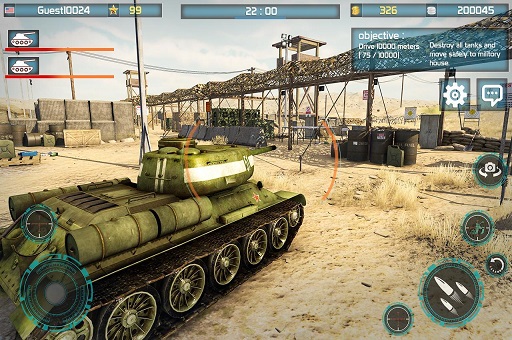
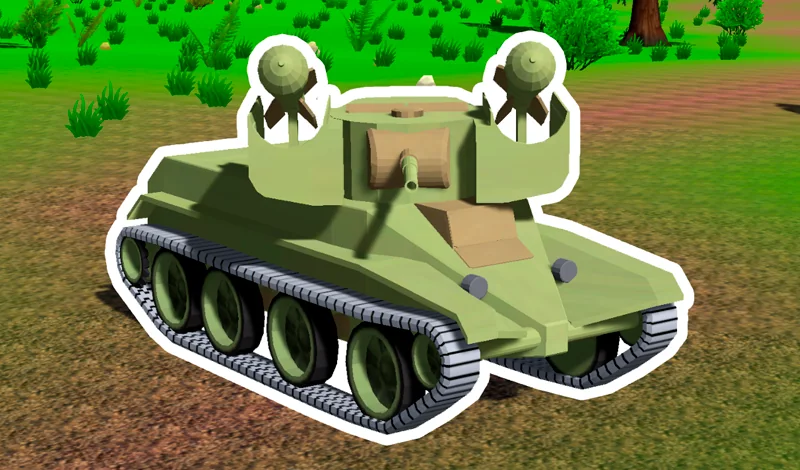
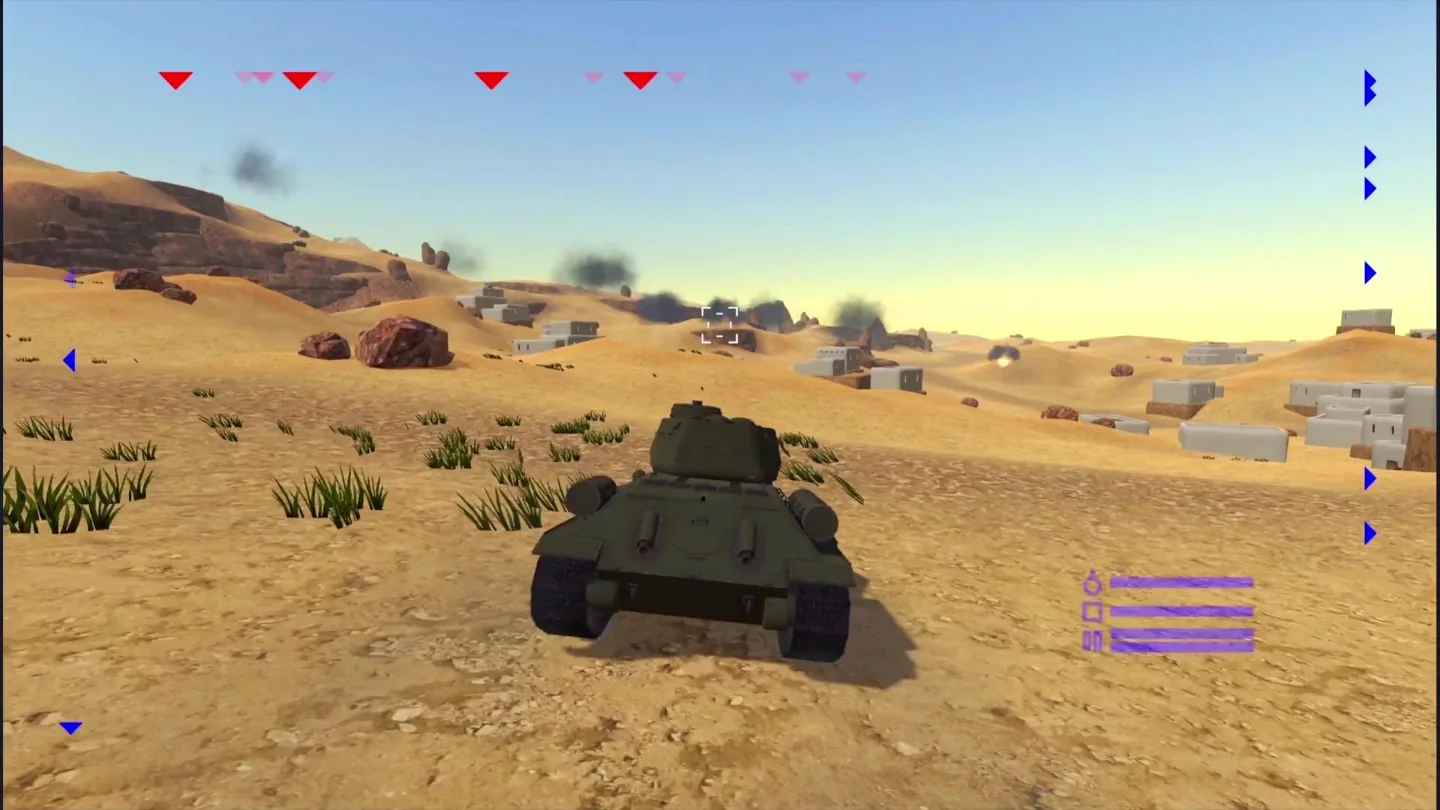
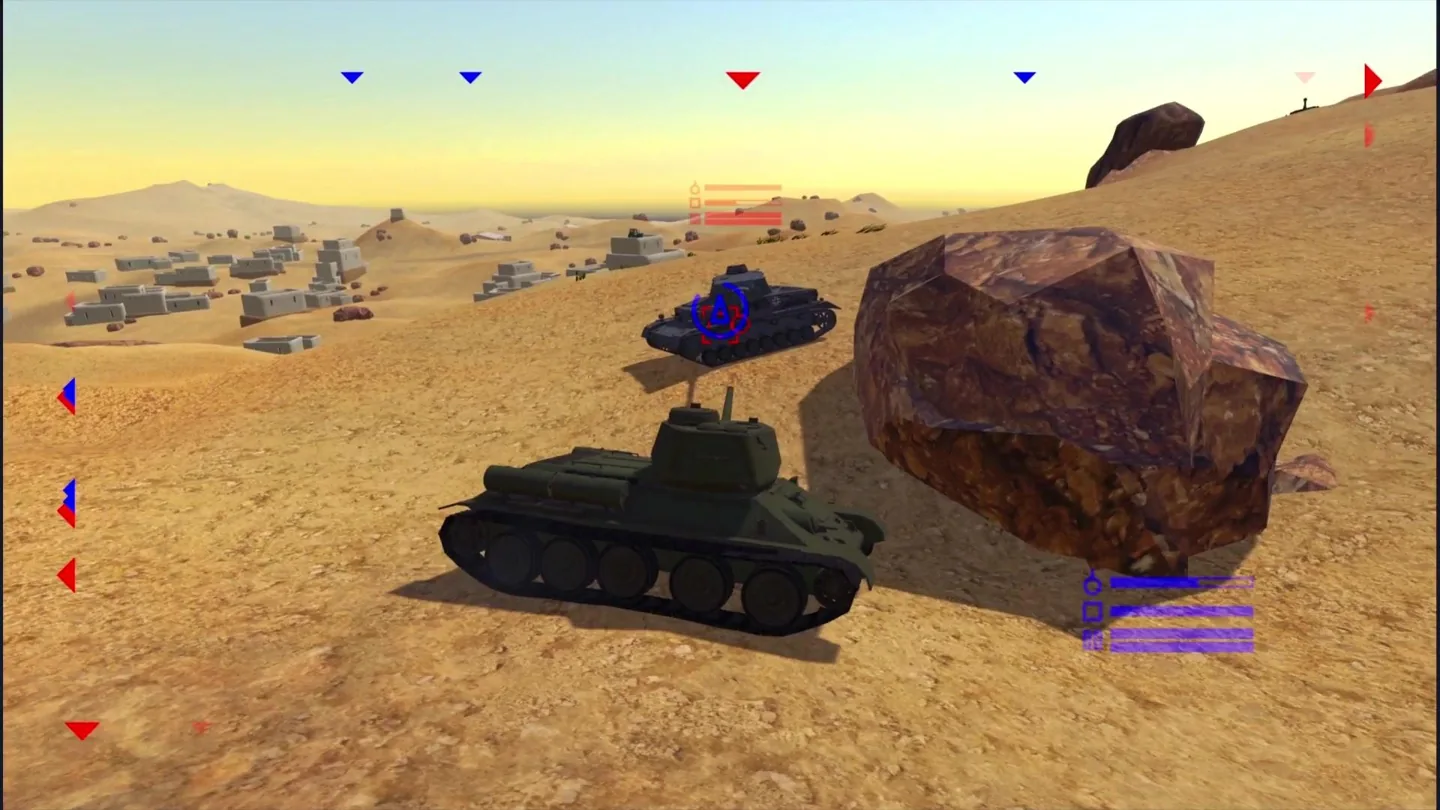
The official listing describes more than ten tracked and wheeled tank types drawn from Soviet, NATO, and Asian vehicle themes. Its maps range from desert terrain to nighttime base battles, with AI-controlled opposition and different battle modes. The gameplay mixes simulator-style vehicle presentation with faster arcade action. It is therefore useful to learn both how the tank moves and how the chosen battle settings affect the encounter you have prepared.
The mission briefing is more than a launch button. You can examine the terrain before committing to the fight, using the left mouse button on PC or the described two-finger touch gesture on mobile. Seeing the battlefield first can help you recognize open approaches, buildings, and large obstacles once you begin driving. During combat, the mouse controls the camera, right click aims, and left click shoots, keeping observation and firing closely connected.
Playhop lists desktop, Android, and iOS browser support and supplies instructions for both keyboard-and-mouse and on-screen controls. The provider marks the game as optimized for desktop, so a PC or laptop is a useful starting point for its camera and aiming system. Supported phones and tablets use the landscape touch layout. The ability to change the battle setup gives players room to experiment without assuming an upgrade campaign or online friend system that the listing does not describe.
02 / Field instructions
How to Play War Tanker
- 01
Configure a War Tanker battle
Open the mission briefing and review the damage, enemy-tank, and allied-tank settings. Start with a setup you can understand so you can recognize the effect of later changes.
- 02
Inspect the battlefield
Use the briefing's left-mouse interaction on PC to examine the map. On mobile, touch with two fingers and move a finger as described by the game's instructions.
- 03
Move, look, and aim
Drive with WASD and use the mouse to control the camera. Aim with the right mouse button, then fire with the left when the target is lined up.
- 04
Fight the configured encounter
Follow the selected mission or mode's objective while reacting to enemy tanks and the terrain. Press P to pause on PC, and review your setup before another attempt if the encounter needs adjustment.
03 / Controls
Controls
Use the verified inputs below for this browser version.
Use the on-screen buttons during combat on a supported mobile browser. To inspect the battlefield in the mission briefing, the official instructions say to touch the screen with two fingers and move a finger. Play in landscape orientation and check the visible button layout before starting.
04 / Player fit
Why You'll Enjoy War Tanker
- Players who enjoy 3D tank combat with mouse-controlled camera movement and a separate aiming input.
- Players who want to experiment with enemy, allied-tank, and damage settings before a battle.
- Armored-vehicle fans interested in a mix of tracked and wheeled machines across different battlefield settings.
The briefing gives you a chance to choose and inspect an encounter before starting. It suits an action break where you want to try a particular tank or setup, then compare a different configuration later.
05 / Tactical notes
War Tanker Tips
- 1Inspect the map before entering battle so unfamiliar terrain does not force every decision to be made under fire.
- 2Change one briefing setting at a time when experimenting; it is easier to understand the result than if you change the whole encounter at once.
- 3Learn camera movement separately from steering, then combine the two when you can keep track of your tank's direction.
- 4Choose a firing position with room to move instead of concentrating entirely on the target in your aiming view.
- 5Keep nearby allied tanks and obstacles in mind when planning where to drive next.
- 6Use P when you need to pause on desktop, and learn the on-screen layout before taking a mobile device into a busy fight.
Ready when you are
Play War Tanker Online for Free
Play War Tanker online for free from the game area on this page. Its browser version loads after you press Play, with no separate download or installation required. Desktop and laptop players use the documented WASD and mouse controls; supported mobile browsers provide on-screen buttons. The provider lists Android and iOS availability while identifying desktop as the optimized platform, so choose the device that gives you enough room to manage the camera and aim comfortably. Review the briefing before entering combat, and use the official gameplay preview if you want to see the 3D battlefield first.