01 / Mission brief
About World War Two Tanks
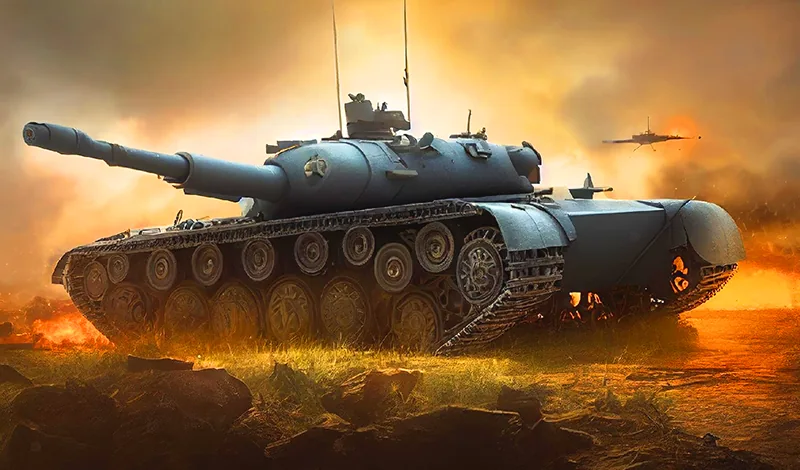
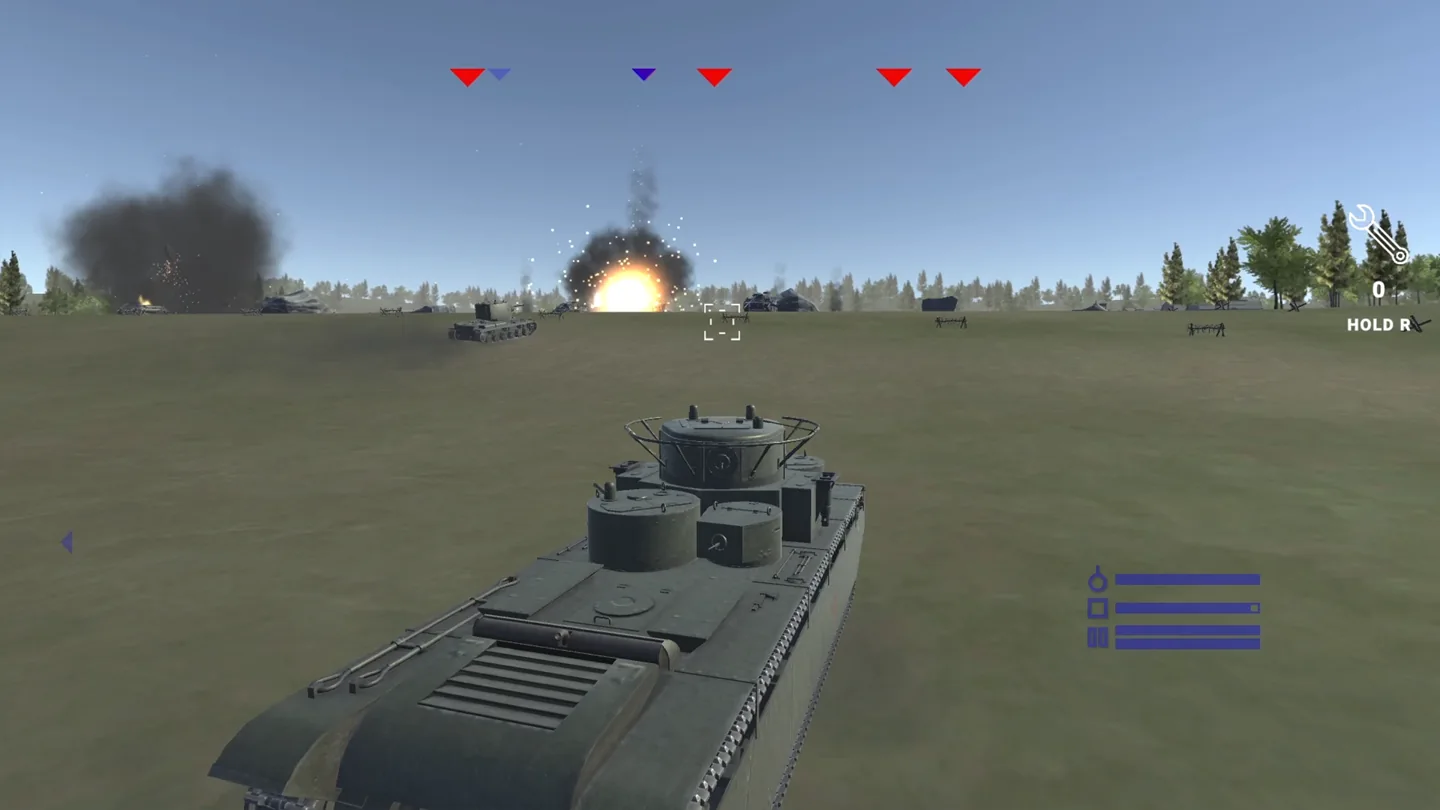
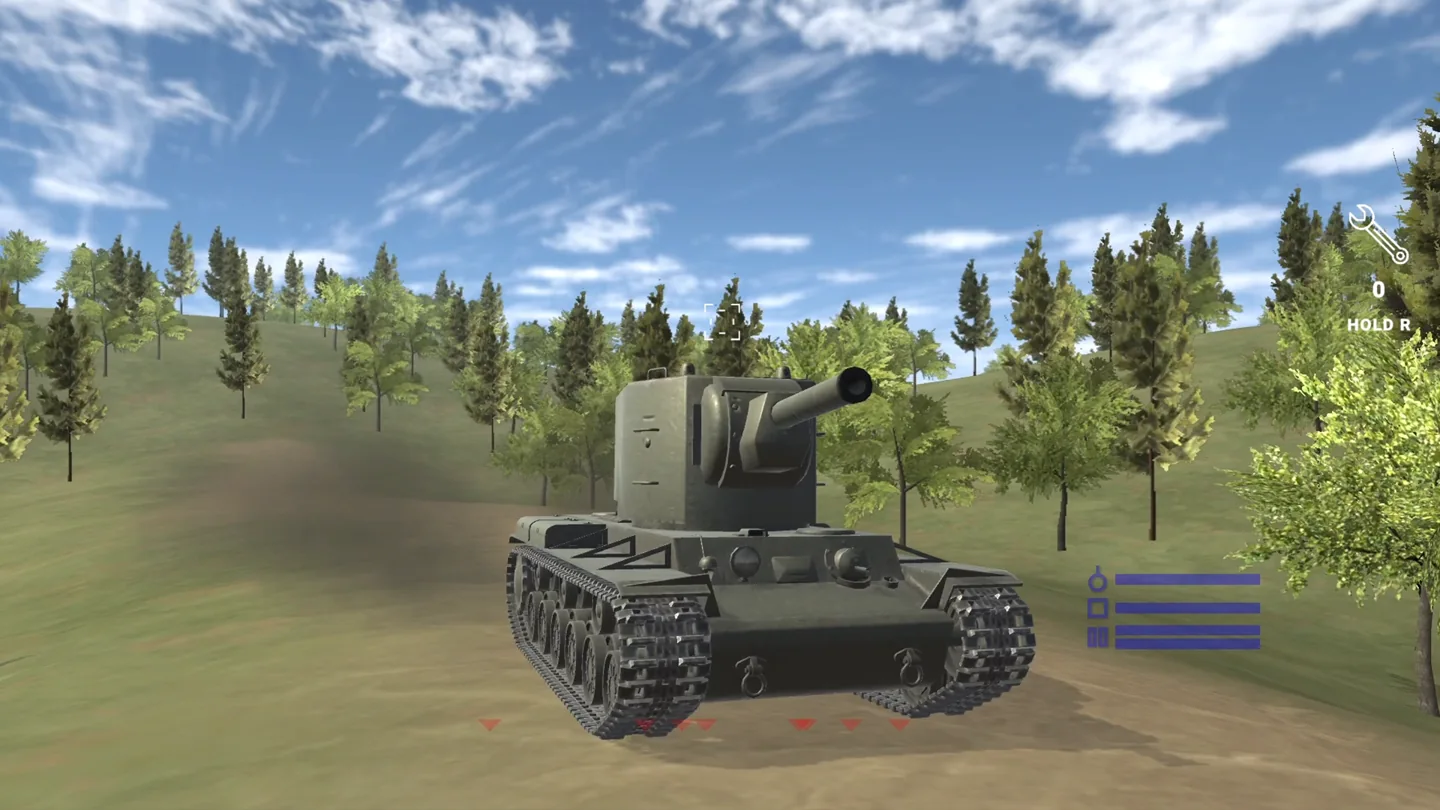
World War Two Tanks is a browser armored-warfare game from Sanchez95 built around a campaign of 20 missions. You choose a tank associated with the Second World War, drive through a three-dimensional battlefield, and use mouse aiming and firing controls to engage enemy armor. The mission structure gives you a specific assignment to work through rather than an endless arena to occupy. Read the current objective before advancing, since completing the task matters more than simply moving toward the nearest target.
The official description allows you to select up to two teammates. That adds a preparation choice alongside your own vehicle, but it does not by itself establish a mode for inviting human friends. The listing does not describe shared-keyboard play or an online invitation system, so this page does not classify it as a two-player game. Think of the teammate selection as part of setting up a mission, and follow the options actually offered by the game.
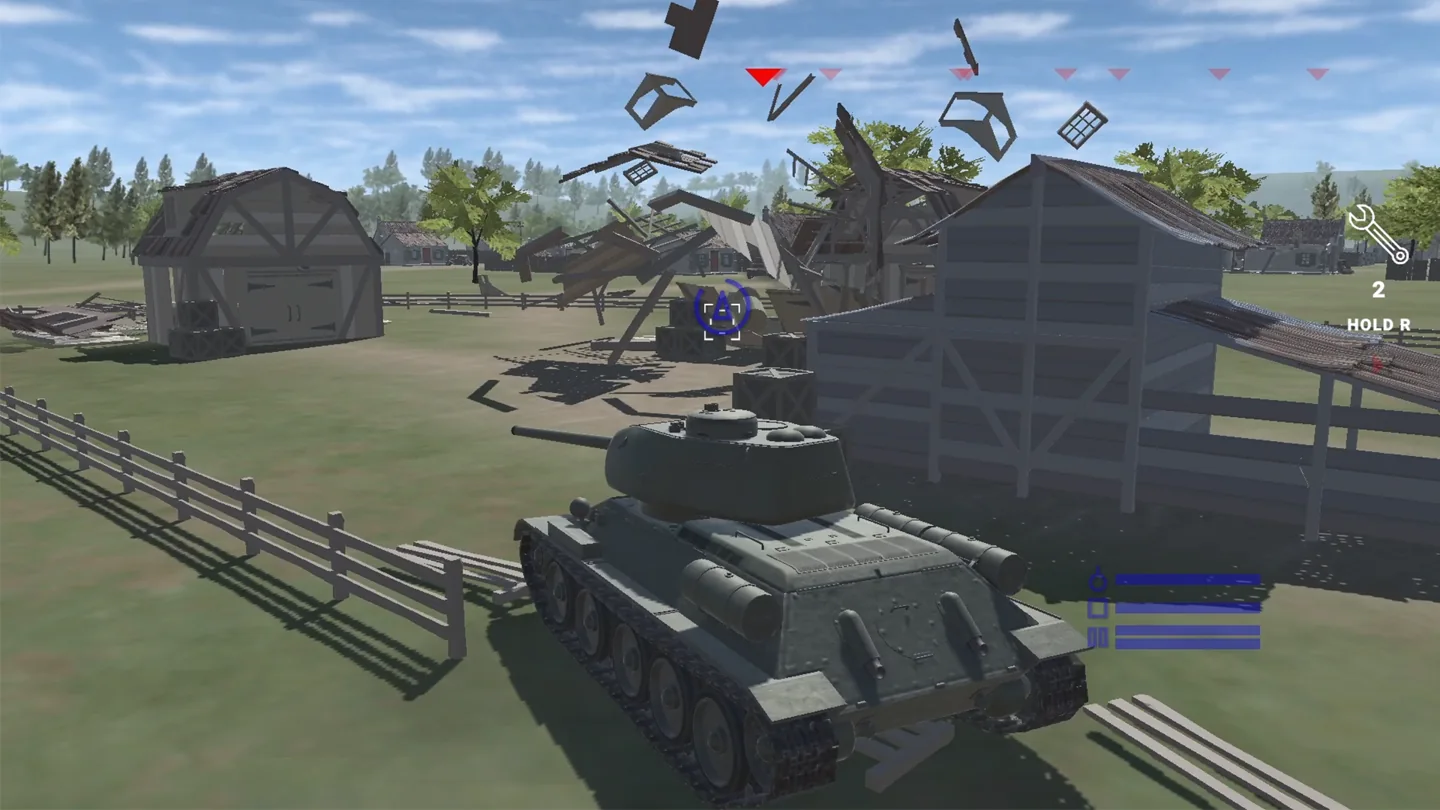
Camera controls are a useful part of learning the battlefield. You can aim with the right mouse button, adjust zoom with the wheel, and change the camera with F. A closer view helps you inspect a distant target, while a wider view gives more context when driving. Switching between those tasks deliberately can make the controls easier to learn than attempting to navigate every situation at the same zoom level.
This version is listed for desktop browsers. It requires a keyboard and mouse, including the mouse wheel, and does not list Android or iOS support. Play on a PC or laptop rather than expecting touch controls on a phone or tablet. The game is free to start online without a separate client download, making the browser page a direct route into its mission-based tank combat.
02 / Field instructions
How to Play World War Two Tanks
- 01
Prepare a World War Two Tanks mission
Read the assignment, select your vehicle, and review the option to take up to two teammates. Check the mission's own instructions before assuming what must be destroyed or reached.
- 02
Learn movement and the camera
Drive with WASD and press F to change the camera. Try the available viewpoints in a quiet moment so you can recognize the direction your tank is facing.
- 03
Aim at an enemy vehicle
Use the right mouse button to aim and the wheel to adjust zoom. Once the target is lined up, fire with the left mouse button and watch the result before adjusting.
- 04
Complete the current assignment
Respond to the mission objective and battlefield situation, then work through the campaign. Use Tab to pause when you need to check the game's menu or take a moment.
03 / Controls
Controls
Use the verified inputs below for this browser version.
04 / Player fit
Who Is World War Two Tanks For?
- Desktop players who want a defined tank campaign with 20 missions to work through.
- Fans of three-dimensional armored combat with mouse aiming, adjustable zoom, and camera switching.
- Players interested in a World War II vehicle theme and mission preparation with teammate selection.
A mission provides a focused objective for a gaming break, while the larger campaign offers a reason to return. Leave time to read the assignment and learn the camera before expecting a quick first attempt.
05 / Tactical notes
World War Two Tanks Tips
- 1Read each assignment before driving away; the official listing establishes a campaign, not one universal objective for every battle.
- 2Practice F and the mouse wheel early so changing views does not interrupt your attention during an encounter.
- 3Use zoom to inspect a target, then widen the view when you need to understand the space around your tank.
- 4Avoid combining unfamiliar steering, aiming, and camera changes all at once while learning the controls.
- 5Review your teammate choices before a mission and pay attention to where those vehicles are on the battlefield.
- 6Use the documented Tab pause key instead of leaving the tank unattended while looking for the menu.
Ready when you are
Play World War Two Tanks Online for Free
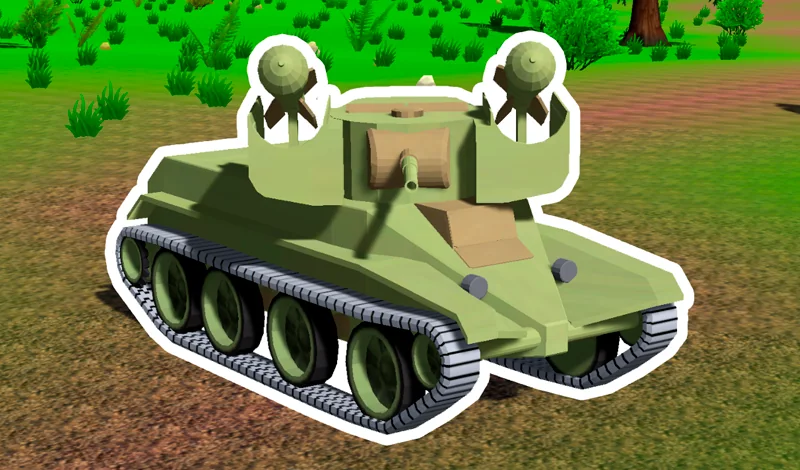
World War Two Tanks can be started online for free through the player on this page. Press Play to load the provider's browser version, with no separate download or launcher to install. Use a PC or laptop with a keyboard and mouse: driving, right-button aiming, wheel zoom, and camera switching all belong to its published control scheme. Mobile devices are not listed as supported for this build, so a phone or tablet should not be treated as an equivalent way to play. The official preview offers a look at the 3D presentation before you enter the campaign.